How Shopify Apps and Third-Party Scripts Break Revenue Pages
Third-party commerce scripts can silently break product, cart, and checkout flows. Learn the common failure modes, what to watch, how to detect them, and how to respond fast.
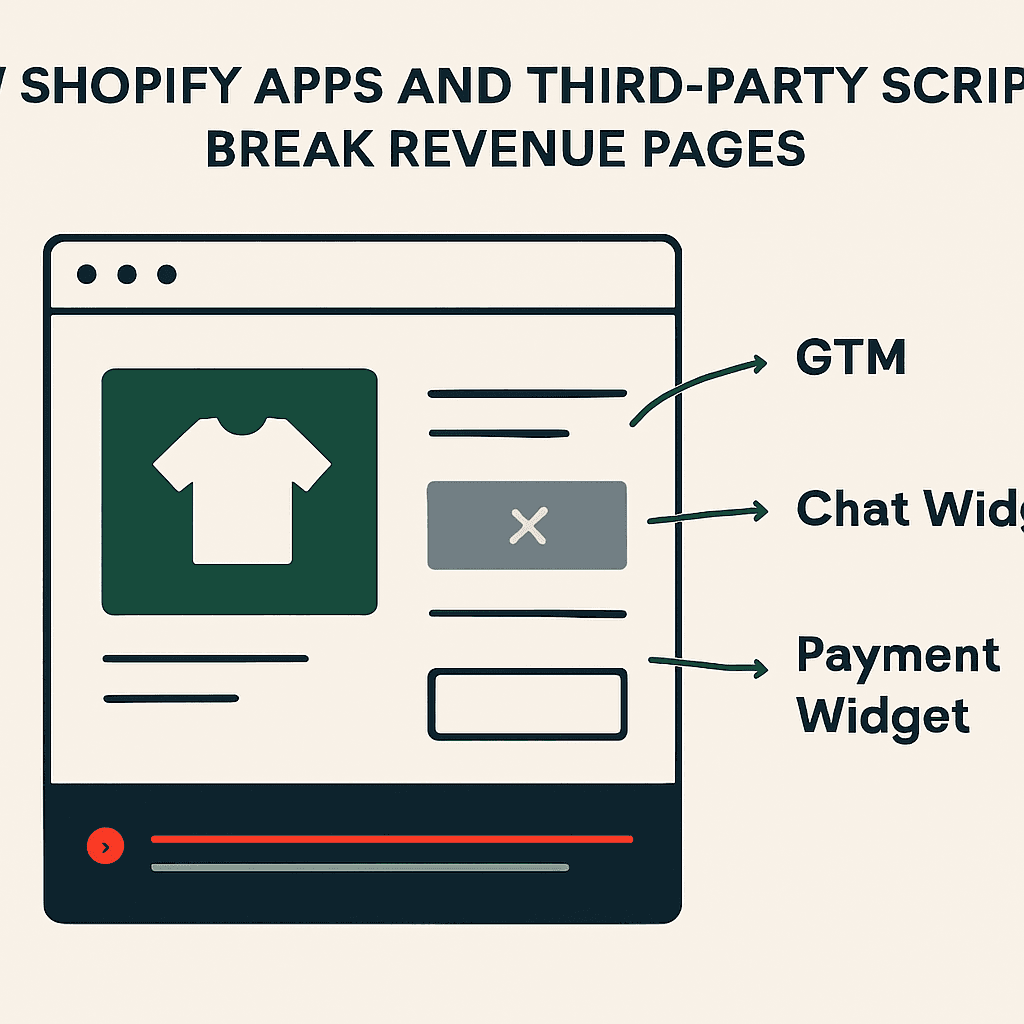
A storefront can return 200 OK and still stop making money. Analytics tags, review widgets, chat tools, consent banners, A/B tests, Shopify apps, payment scripts, and tag manager changes can slow rendering, throw JavaScript errors, hijack checkout flow, or remove critical DOM elements. The page loads. The sale does not. You see missing add-to-cart buttons, hidden prices, blocked checkout CTAs, or pages so slow shoppers leave. This article breaks down how third-party scripts cause these silent failures, what triggers them, what signals to track, and how to respond.
Why third-party scripts fail quietly
Third-party scripts run in the same browser, DOM, and JavaScript runtime as your storefront code. That makes them useful and dangerous.
- They block or delay rendering. Synchronous scripts and heavy resources push out first paint and time to interactive. Shoppers bounce before add-to-cart works.
- They inject or replace DOM. That creates duplicate IDs, dead event handlers, and overwritten containers.
- They create race conditions and hydration failures in React or Next.js. Result: blank screens or dead UI.
- They throw uncaught exceptions that stop later scripts, including your own.
- They change form or checkout behavior with redirects, hidden inputs, or altered button targets.
- They fail without obvious errors. A vendor outage or bad GTM publish can remove a widget while the page still returns 200.
Server logs rarely catch this. The server served a page. The browser broke the sale.
Which scripts break commerce pages, and how
These script categories show up on Shopify and other commerce stacks. They fail in repeatable ways.
-
Analytics tags (Google Analytics, Amplitude):
- Failure mode: A cross-origin load fails, or the SDK throws on unexpected data.
- Example: A GTM container update adds heavy custom JS that calls a third-party API. The API times out. The callback blocks add-to-cart handlers.
-
Review and UGC widgets (Yotpo, Bazaarvoice):
- Failure mode: The widget replaces product content or injects CSS that hides the product grid.
- Example: A reviews script injects img elements with broken src values. Image decoding stalls. Memory spikes. Critical paints slip.
-
Chat and live-support tools (Intercom, Drift):
- Failure mode: Heavy bootstrap, long-polling, or WebSocket logic burns main-thread time.
- Example: A chat rollout ships a heavier client that runs synchronous DOM queries on load and blocks React hydration.
-
Consent and CMP banners:
- Failure mode: Bad config hides consent buttons or blocks tags for some users.
- Example: A banner overlay gets the wrong z-index and blocks the checkout CTA.
-
A/B testing and personalization (Optimizely, VWO):
- Failure mode: Client-side DOM rewrites break selectors used by add-to-cart code.
- Example: An experiment renames a CTA. Event listeners bound to the old selector never fire.
-
Fraud and bot-detection tools:
- Failure mode: They modify checkout forms to add fingerprints. Bad config blocks submission.
- Example: A bot-detection script injects an input the processor rejects, causing an invisible validation error.
-
Payment scripts and hosted fields (Stripe, Adyen, Shopify Payments apps):
- Failure mode: Iframes or injected scripts fail to load, so payment inputs never appear.
- Example: A CDN outage for a payment widget prevents card fields from rendering. The checkout button stays disabled.
-
Shopify apps and app-proxy scripts:
- Failure mode: Apps inject inline scripts or alter theme templates. A theme update removes the container they expect.
- Example: After a theme update, an app looks for a missing DOM node, throws a TypeError, and kills later JS.
-
Tag managers (GTM, Tealium):
- Failure mode: Tag configs add new external domains or shove heavy scripts into page load.
- Example: A bad GTM publish puts a third-party script on the critical path, doubles TTI, and lifts cart abandonment.
What triggers silent failures
These failures do not require a vendor outage. Any browser-side change can trigger them.
- New app installs: Many Shopify apps inject code into theme.liquid or use script tags. A new app can add blocking JS or conflicting CSS.
- Theme updates: Theme upgrades can rename or remove the DOM hooks apps depend on.
- Tag manager changes: Marketers and analysts can publish malformed JS or point tags to broken domains.
- Vendor outages or deployments: The vendor script host or API fails.
- A/B test changes: An experiment alters selectors tied to core commerce actions.
- CSP or header changes: A tighter CSP blocks dynamically injected vendors.
- Conditional code path changes: Consent banners, regionalization, or feature flags expose untested branches.
A page can go from healthy to broken while origin uptime stays perfect.
What to monitor on revenue pages
Do not stop at 200 OK. Watch what the browser sees.
- New external script domains: Sudden additions to script hostnames often follow an app install or marketing change.
- Resource failures: 4xx, 5xx, or timeouts for important JS and CSS, especially payment and checkout domains.
- Console errors: Uncaught exceptions, CORS violations, CSP blocks, and permission errors.
- Script count spikes: A sharp increase in loaded scripts often means a new widget or tag.
- Performance regressions: RTT, FCP, TTFB, TTI, and LCP drops on product, cart, and checkout pages.
- Checkout provider failures: Missing iframes, disabled submit buttons, or payment fields that never render.
- Visible UI regressions: Missing H1, price, add-to-cart button, product images, or cart container.
- DOM diffs: Large drops in visible text or a changed DOM hash versus baseline.
- Network waterfall anomalies: Long blocking time, or slow DNS and TLS on a single vendor.
Capture rendered evidence with each alert: screenshots, rendered HTML, console logs, and network traces. That is what the customer experienced.
Your site returns 200 OK — but is it actually working?
Guard is the monitoring technology that catches the silent failures other tools miss. KeyPages.ai is where you turn it on. Audit any URL free first — no signup, results in 30 seconds.
Run a free page auditHow to detect them before customers do
Use three layers together: passive observability, synthetic browser checks, and customer-sourced monitoring.
- Passive observability: Real-user monitoring (RUM) captures console errors, slow scripts, and resource failures from real sessions. It is noisy, so you need sampling and solid deduping.
- Synthetic browser checks: Automated headless-browser runs against product, cart, and checkout entry pages. They capture screenshots, DOM, console output, and network waterfalls. They are repeatable and fast.
- Customer-sourced monitoring: Session replay and feedback tools add user context when the first two layers miss something.
Example: quick script-domain inventory check (headless browser concept)
const scriptHosts = Array.from(document.scripts)
  .map(s => s.src)
  .filter(Boolean)
  .map(url => {
    try { return new URL(url).hostname } catch(e) { return 'inline-or-invalid' }
  })
  .reduce((acc, h) => (acc[h] = (acc[h] || 0) + 1, acc), {})

console.log(scriptHosts)
Run it in an automated snapshot. Compare the host list to a known-good baseline. Alert on new domains or big count jumps.
How to respond when a revenue page regresses
When monitoring catches a silent regression, move fast.
- Triage with rendered evidence
- Pull the synthetic snapshot or RUM session with screenshot, rendered HTML, console logs, and network trace.
- Confirm the shopper-visible failure: missing CTA, disabled button, blank payment field.
- Find the likely offender
- Check recent changes: GTM publishes, app installs or updates, theme commits, and vendor incidents.
- From the snapshot, list failed resources, script domains, and console stack traces.
- Contain the damage
- If a new script or GTM change caused it, disable or roll back the tag.
- If an app injected bad theme code, remove the script tag, disable the app, or revert the theme change.
- If a payment widget fails during a vendor outage, switch on an alternate payment method or redirect to hosted checkout if available.
- Repair and validate
- Reproduce the failure locally or in staging by toggling the suspected scripts.
- Ship a short-term fix: defer non-critical scripts, convert sync loads to async or defer, or wrap vendor calls with exception handling.
- Run synthetic checks across affected pages after the patch.
- Lock in the learning
- Record the root cause and the fix.
- Add baseline snapshots so the same regression triggers an alert next time.
- Update the app-install checklist, GTM policy, or theme-release checklist with explicit checks for console errors, script-domain changes, and critical DOM elements.
Guardrails for app installs, theme changes, and GTM publishes
Use this checklist to cut the odds of a third-party change breaking revenue pages.
Pre-production checks (for every app install or GTM publish):
- Verify script hostnames against an allowlist for the storefront environment.
- Run synthetic browser checks on product, cart, and checkout entry pages. Compare screenshots and rendered HTML to baseline.
- Run simple DOM assertions: price present, add-to-cart exists and is enabled, product images present, checkout button visible.
- Run Lighthouse or page speed checks for major TTI and LCP regressions.
Production guardrails:
- Monitor new external script domains and alert on unknown additions.
- Capture console errors and resource failures from RUM and synthetic runs. Alert on spikes.
- Keep a small set of critical DOM assertions for revenue pages and fail fast when they break.
- Put GTM under change control with code review and a rollback playbook.
- Document which apps modify storefront templates. Review them after theme updates.
Operational policies:
- Treat checkout and page-injection apps as high risk. Require explicit approval.
- Limit synchronous script loading on revenue pages. Prefer async or defer. Use IntersectionObserver for lazy init.
- Require vendors to support graceful failure: timeouts, non-blocking behavior, and safe DOM operations.
Why browser-rendered monitoring beats uptime checks here
Uptime checks tell you the origin returned 200. They do not tell you whether a shopper can buy. Browser-rendered monitoring runs a real browser and records what the page rendered and executed. That lets it catch:
- JavaScript crashes and hydration failures that leave the page blank or dead.
- DOM regressions: missing H1, missing price, missing add-to-cart, or a vanished product grid.
- Resource failures: an external payment script that did not load, or a script blocked by CSP.
- Performance regressions from third-party scripts that raise abandonment even when the page eventually loads.
Rendered evidence matters. Screenshots, DOM snapshots, console logs, and resource lists show engineers what broke and where. Server logs may show a fast 200. A browser snapshot shows the checkout fields never rendered.
Three short case studies
- Theme update removed app container
- Symptom: Product pages returned 200 and looked fine in quick checks, but add-to-cart clicks did nothing.
- Root cause: A theme update renamed the product-form container. An app bound event listeners to the old selector, threw a TypeError, and stopped later scripts.
- Fix: Rolled back the theme, added an integration test that verifies add-to-cart after theme changes, and updated the app code to use safer selector fallbacks.
- GTM publish added a blocking widget
- Symptom: Checkout abandonment spiked and TTI doubled.
- Root cause: A GTM change added a synchronous third-party library that blocked the main thread for 2 seconds.
- Fix: Disabled the tag, switched the script to async loading through a non-blocking loader, and added a pre-publish checklist for GTM changes.
- Payment widget CDN outage
- Symptom: The checkout entry page showed a blank payment area and a disabled submit button.
- Root cause: The hosted payment SDK failed to load during a CDN outage. The page had no graceful fallback.
- Fix: Added fallback to a hosted payment page, added synthetic checks for payment fields, and added script-load timeout logic that shows an error and alternate payment methods.
Final note and where Guard fits
Third-party commerce scripts leak revenue in quiet ways because they fail in the browser, where server checks are blind. The fix is not guesswork. Capture rendered evidence with automated browsers and RUM: screenshots, DOM snapshots, console logs, and resource traces.
Start with synthetic browser checks on product, cart, and checkout entry pages. Alert when critical DOM assertions fail or when new script domains appear.
DataJelly Guard is one example of a tool that helps detect silent revenue-page regressions and capture browser-rendered evidence. It does not replace QA. It helps teams see what customers saw when a third-party change hit sales.
Add automated browser snapshots for product, cart, and checkout pages. Alert on missing add-to-cart buttons, blank payment fields, and new external script domains. That is where uptime checks miss revenue loss.
Your site returns 200 OK — but is it actually working?
Guard is the monitoring technology that catches the silent failures other tools miss. KeyPages.ai is where you turn it on. Audit any URL free first — no signup, results in 30 seconds.
Run a free page audit