Outsourced Payments Don't Mean You Can Ignore Checkout
Stripe, PayPal, and Shopify Payments can shrink PCI scope. They do not make your checkout page irrelevant. Scripts, headers, and iframes still affect security, uptime, and conversion.
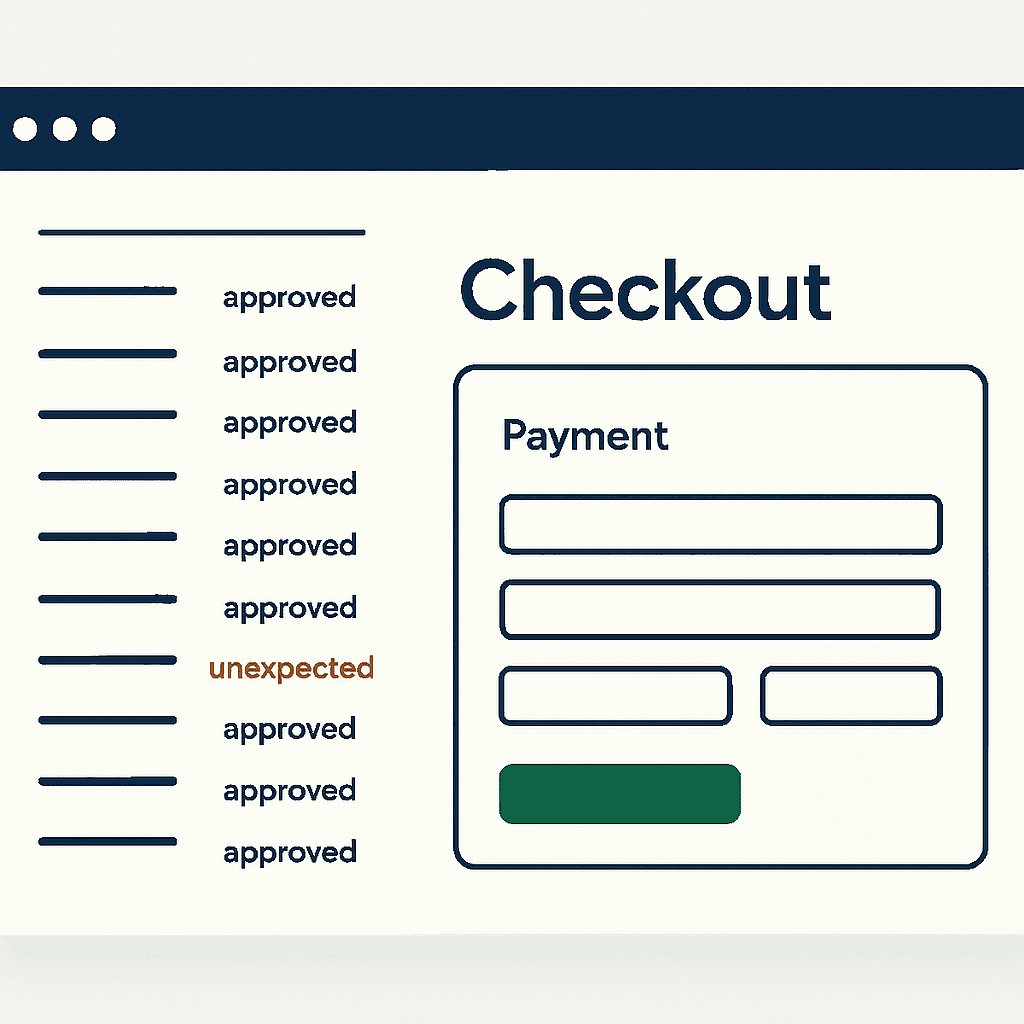
Hand card processing to Stripe, Shopify Payments, PayPal, Adyen, Braintree, Square, or another PCI-validated provider, and many merchants relax. Bad idea. Outsourcing card processing can reduce PCI scope. It does not remove the browser from the risk path.
Customers still run the HTML, JavaScript, headers, and iframes your site serves or embeds. A small change on the merchant-controlled page can break a payment widget, open an attack path, or quietly kill conversions.
This article explains why the merchant page still matters, how common integration models differ, what fails in production, and which checks to run with your QSA, acquirer, or payment provider. It extends the browser-side argument we make in Why PCI DSS Now Tracks JavaScript on Payment Pages.
Checkout models shift control, not responsibility
Not all "outsourced" checkouts work the same way. Each model moves control between the merchant and the payment provider. That changes risk.
-
Hosted redirect checkout (for example, PayPal Standard and some gateways): The customer leaves your site for the provider's domain during payment. Your page starts the flow and usually handles the return URL. The provider controls the payment UI and scripts on its domain. Risk: your page still starts the flow, preserves state, and handles return logic. Tracking scripts or redirect bugs can break parameters or session continuity.
-
Embedded iframe checkout (for example, some older hosted fields): The payment form loads inside an iframe from the provider origin. The provider controls iframe content. You control the parent page. Cross-origin rules block direct DOM access, but parent-page scripts, CSP, frame-ancestors, or bad wrappers can stop the iframe from loading or talking to the parent.
-
Embedded payment elements / JS SDK (for example, Stripe Elements, Adyen Drop-in, Braintree Hosted Fields): The provider ships JavaScript that mounts payment fields into your DOM. That script runs in your top-level page context. This can reduce some PCI obligations, but the provider script now shares a runtime with every other script on your checkout page.
-
Merchant-controlled payment pages (full server-side or client-server checkout): You render the payment UI and call provider APIs yourself. You either handle card data securely or tokenize it before it touches merchant systems. This gives you the most control and the most responsibility.
The details differ. The constant does not: the customer's browser still runs code from both the provider and the merchant. That shared runtime is where failures happen. How much responsibility stays with you depends on the model — confirm your specific scope with your QSA, acquirer, payment facilitator, card brand, or provider rather than assuming every outsourced checkout is the same.
Why the merchant page still matters
Treat checkout as the final runtime, not a static page. Even if card numbers never touch your servers, your page still controls key parts of the payment flow:
-
Script loading and execution order. A tag manager, A/B test, or analytics pixel can add requests, block SDKs, or mutate the DOM in ways the payment library does not expect.
-
CSP, frame-ancestors, and other headers. A stricter Content Security Policy or a new X-Frame-Options header can block provider iframes or scripts.
-
Performance. Slow third-party scripts delay the payment SDK, trigger race conditions, and raise abandonment.
-
Cross-window messaging. Some providers rely on postMessage between iframe and parent. If origins change or wrappers alter targetOrigin logic, the flow breaks.
-
DOM structure and CSS. Provider elements often expect specific containers, IDs, or styles. Rename a class or remove a node, and fields disappear or submit flows fail.
-
Attack surface. A compromised third-party script on the merchant page can watch keystrokes, rewrite the DOM, or exfiltrate tokens. That risk is worse when the provider SDK runs in the same page context.
You can outsource card processing. You cannot outsource the browser.
Seven checkout failures that happen in production
These are not theoretical.
-
Tag manager injects a conflicting script
A merchant ships a marketing test through a tag manager. It injects an old jQuery plugin. The plugin overwrites Element.prototype.appendChild with a polyfill that makes bad assumptions about tree structure. Stripe Elements tries to mount and throws an exception. Result: payment fields never render, the page still returns HTTP 200, and customers cannot pay. -
Marketing pixel slows checkout
A new tracking pixel loads synchronously in the head. It blocks parsing and delays the payment SDK past a client-side timeout. The SDK fails to initialize and shows an error. Conversion drops. Uptime checks still report 200. -
Iframe origin or embed URL changes
A gateway moves iframe hosting from payments.examplecdn.com to payments.examplecdn2.com. The merchant's allowed frame origins or CSP rules do not include the new host. The browser blocks the iframe. Customers see a blank payment area. -
CSP or header change breaks the SDK
A deploy replaces 'https://js.provider.com' with 'self' in CSP. The browser blocks the provider script. Payment fields fail silently. -
Third-party script gets compromised
A script loaded from a marketing domain is compromised and injects a keylogger. Because the provider SDK and the malicious script run in the same top-level page, keystrokes intended for payment fields may be observed. -
Return URL bug breaks order completion
The merchant expects a POST back with an order token. A new URL rewrite strips parameters. The merchant cannot reconcile the payment with the order. The payment succeeds, but the customer sees an error. -
CSS hides the submit button
A CSS refactor renames classes, and a global .hidden rule applies too broadly. The checkout CTA still exists in the DOM but disappears on screen. Customers stop at the last step.
Checks and workflows worth running
Run these checks on every checkout deploy, before tag-manager changes, and during PCI review. This is the minimum, not the finish line.
Pre-deploy checklist:
- Run a smoke test that mounts the payment form and captures a screenshot.
- Validate CSP, frame-ancestors, and CORS headers for provider domains.
- Verify that provider SDKs load from the expected origins and versions.
- Capture browser console output and look for script errors, blocked requests, and CSP violations.
- Take a DOM snapshot and confirm required elements exist: payment container, submit CTA, order summary, and payment method selectors.
Post-deploy workflow:
- Detect: Monitor checkout pages and payment frames for render failures and script errors. If the page returns 200 but payment elements are missing, escalate.
- Collect evidence: Save screenshots, rendered HTML, console errors, loaded scripts and their origins, and CSP report-only violations.
- Correlate: Check recent changes to tag-manager containers, headers, CSP, and frontend dependencies.
- Roll back or block: Revert the deploy or disable new tags. If you suspect compromise, replace affected third-party endpoints.
- Report: Work with your payment provider and acquirer. If data exfiltration looks possible, treat it as an incident and follow forensic guidance.
Simple scripted check with Puppeteer:
const puppeteer = require('puppeteer');
(async () => {
  const browser = await puppeteer.launch();
  const page = await browser.newPage();
  const scripts = [];
  page.on('console', msg => console.log('PAGE LOG:', msg.text()));
  page.on('requestfinished', req => {
    if (req.resourceType() === 'script') scripts.push(req.url());
  });
  await page.goto('https://yourstore.com/checkout');
  await page.waitForSelector('#payment-form', { timeout: 10000 });
  const screenshot = await page.screenshot();
  console.log('Loaded scripts:', scripts);
  await browser.close();
})();
This gives you three useful artifacts fast: script inventory, console output, and a screenshot. Put it in CI or run it after deploy.
Your site returns 200 OK — but is it actually working?
Guard is the monitoring technology that catches the silent failures other tools miss. KeyPages.ai is where you turn it on. Audit any URL free first — no signup, results in 30 seconds.
Run a free page auditHeaders and CSP can break checkout fast
Headers decide what the browser allows. One bad header can break checkout even when card processing is fully outsourced.
Common pitfalls:
-
Content-Security-Policy: If script-src or frame-src omits provider domains, the browser blocks SDKs and iframes. Use report-only mode before enforcement.
-
X-Frame-Options / frame-ancestors: Bad framing rules can block provider-hosted iframes.
-
Referrer-Policy or SameSite: Cookies and session state can break across redirects or embedded flows.
-
CORS: Cross-origin SDK assets can fail if reverse proxies or edge rules send the wrong Access-Control-Allow-* headers.
Example: rolling out CSP in stages
-
Start with report-only: Content-Security-Policy-Report-Only: default-src 'self'; script-src 'self' https://js.provider.com; frame-src 'self' https://pay.provider.com; report-uri /csp-report-endpoint
-
Review reports. If checkout uses third-party scripts not on the allow list, add them.
-
Enforce only after the report-only window stays clean for a reasonable period.
Coordinate header changes with provider docs. Test in an environment that mirrors production, including tag-manager containers and A/B tests.
What QSAs, acquirers, and providers will care about
Programs such as SAQ A can narrow merchant PCI duties when the provider handles card entry. They do not excuse you from controlling the merchant page. Those programs usually come with conditions: do not let unapproved scripts interfere with payment elements, protect page integrity, and manage third-party code.
Useful habits when working with QSAs and acquirers:
- Document the architecture. Note which pages load provider-hosted forms, which ones run provider JavaScript in your page, and which third-party scripts appear on checkout.
- Maintain a script inventory with source domain, purpose, and owner for every checkout script. In payment-page script management contexts, this maps to PCI DSS Requirement 6.4.3.
- Keep a written business justification and approval chain for every change to checkout scripts and headers. Save screenshots and rendered HTML before and after major changes.
- Collect evidence on a schedule: DOM snapshots, script lists, CSP violation reports, and screenshots. This is the kind of change evidence Requirement 11.6.1 is about. QSAs want proof that you control the code your customers execute.
- Ask the payment provider what they expect. Some publish hardened integration guides and approved script lists. Follow them.
Do not assume outsourcing card processing removes the need for documented controls over the merchant page.
Minimal operational controls for checkout pages
Use this as a starting point.
Pre-deploy gates
- Run a headless browser smoke test that mounts payment elements and captures a screenshot.
- Check console and network errors for CSP violations, blocked resources, and script exceptions.
- Verify that allowed script and frame origins include provider endpoints.
- Require peer review for tag-manager changes.
Runtime monitoring
- Capture rendered evidence from checkout pages on a schedule: screenshot, DOM, and script inventory.
- Alert on missing payment containers, missing CTAs, and script errors during mount.
- Watch performance metrics that affect SDK timeouts, including TTFB and Largest Contentful Paint on checkout flows.
Change management
- Require approval and business justification for any new third-party script on checkout. Include a business owner and security reviewer.
- Keep an immutable audit trail of tag-container versions and deploy manifests.
- Use CSP report-only mode during initial rollout of new restrictions.
Incident response
- Isolate fast by disabling new tags or switching off tag-manager loading on checkout.
- Collect and preserve browser evidence: screenshots, HTML, console logs, and script lists.
- If exfiltration is possible, follow your security incident playbook and notify the right parties.
Monitoring should capture what customers actually see
Outsourcing payment processing is often the right move. It can reduce card-data scope. It does not remove your responsibility for the page customers load.
Checkout failures often hide behind a clean 200 OK. Traditional uptime checks miss blank payment iframes, blocked SDKs, hidden submit buttons, and broken postMessage flows. Browser-level monitoring catches what the server cannot: rendered HTML, screenshots, console errors, loaded scripts, and header behavior.
If you use DataJelly Payment Page Guard, you can configure it to collect that browser-rendered evidence for checkout pages: screenshots, rendered HTML, console errors, script inventories, and header checks. That supports evidence collection for PCI DSS 6.4.3 and 11.6.1 review and gives your team something concrete to bring to a QSA, acquirer, payment provider, or compliance-accepting entity. It does not decide your PCI scope, replace QA, or replace compliance review. You can also render any checkout URL yourself with the free Guard page audit to see what loads.
Closing recommendations
- Treat the merchant-controlled checkout page as part of your payment security boundary. Keep a tight inventory of scripts and headers.
- Test header, CSP, and tag-manager changes in staging that matches production. Use report-only modes before enforcement.
- Automate headless browser smoke tests that render payment elements and capture screenshots and console logs on every deploy.
- Require approvals and written business justification for every script added to checkout. Review those controls with your QSA or acquirer.
- When checkout breaks, collect browser-rendered evidence before rollback: screenshot, HTML, console logs, and script list.
You can outsource card processing. You cannot outsource the browser.
Add two checks to your deploy pipeline this week: a headless browser smoke test that confirms payment elements render, and a script-inventory check that records every script loaded on checkout. When checkout breaks, that evidence cuts triage time and gives you something concrete to review with your QSA, acquirer, or payment provider.
Your site returns 200 OK — but is it actually working?
Guard is the monitoring technology that catches the silent failures other tools miss. KeyPages.ai is where you turn it on. Audit any URL free first — no signup, results in 30 seconds.
Run a free page audit