Why Lighthouse Scores Aren't Enough Post-Deploy
Lighthouse finds performance and accessibility failures, but a green score doesn't mean production is healthy. Learn the real failure modes it misses and what to watch after every deploy.
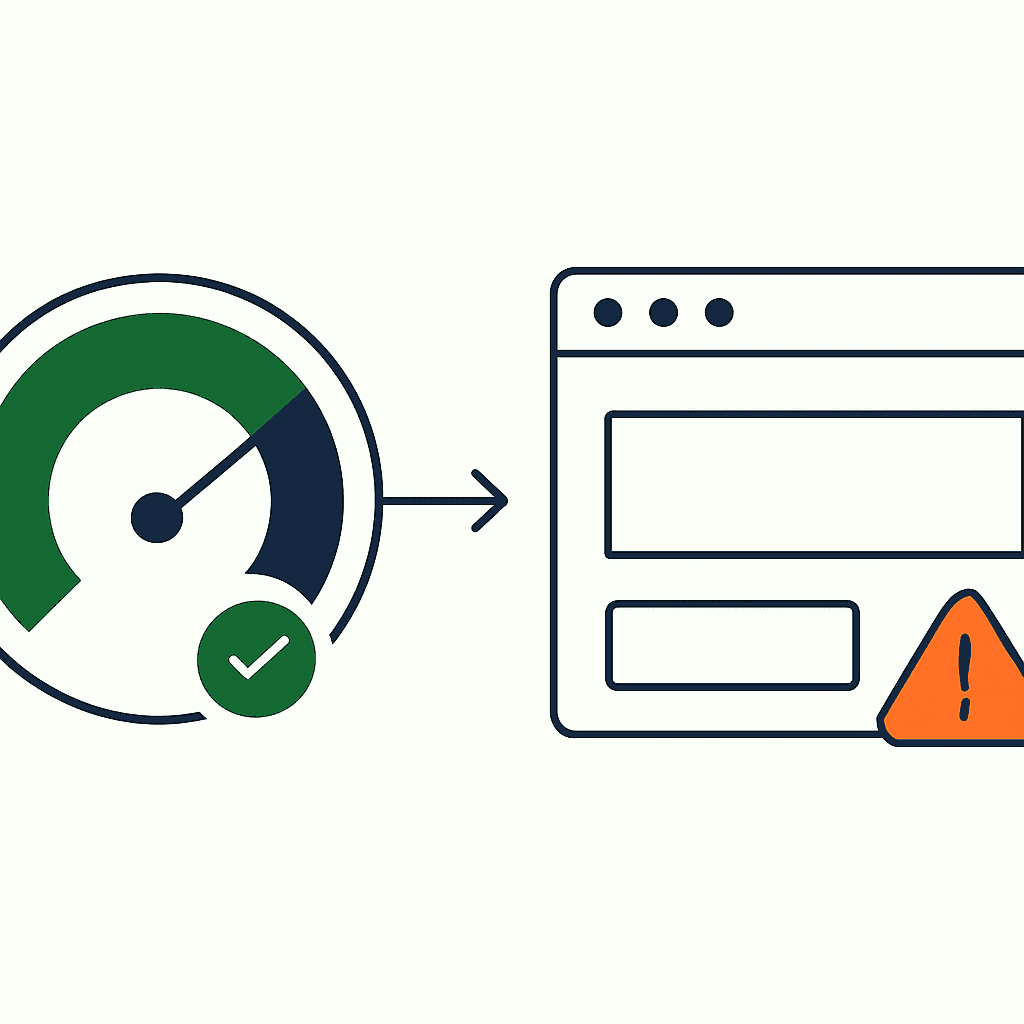
A green Lighthouse score can still ship a broken page. Lighthouse is a strong local tool. It runs headless Chrome, exercises a page, and returns repeatable metrics: Performance, Accessibility, Best Practices, SEO, and PWA checks. Teams use those numbers to gate PRs, enforce budgets, and celebrate wins. Fine. But a high score proves only one controlled run, from one place, at one moment, under one set of conditions. Production failures do not line up that neatly.
What Lighthouse actually measures
Lighthouse runs synthetic audits. It fetches the page, simulates a device, throttles CPU and network, and reports metrics like First Contentful Paint (FCP), Largest Contentful Paint (LCP), Total Blocking Time (TBT), and Cumulative Layout Shift (CLS). It also checks semantics, HTTP status codes, and common SEO tags. The result is a neat JSON blob and a 0–100 score for each category.
The Performance score is weighted. LCP, FCP, and TTI/TBT carry most of that weight. Lighthouse also uses fixed lab defaults: 4x CPU slowdown, 150 ms RTT, and 1.6 Mbps download. That controlled setup makes scores reproducible across commits. It also makes them easy to overtrust.
Why a green score can be misleading
A Lighthouse run is one synthetic snapshot. Production is messier. Here are common failure modes it misses.
-
Missing content from client-side rendering: Lighthouse may load the initial HTML and execute JS to render content. But if your CDN or server varies responses by header, cookie, or geolocation, one run can look healthy while real users get junk. Example: a SPA with edge A/B routing serves content only when a feature-flag cookie is present. Lighthouse runs with the cookie and scores 95. Meanwhile, a large slice of real sessions see empty placeholders and never click the CTA.
-
CTAs vanished in a CSS/JS race: Lighthouse waits for network quiet and lets scripts settle. Real users on slower devices don't get that luxury. CSS can load late and shove CTA buttons off-screen or under a modal. Example: Lighthouse reports LCP at 1.8s, but field data shows a much slower median on low-end Android, and the CTA stays hidden for several seconds. The audit passed. Users still don't click.
-
JavaScript crashes for real users: Headless Chrome won't reproduce every browser bug, extension conflict, or library edge case. A race in event binding might hit only a fraction of sessions. Lighthouse finishes cleanly while RUM shows a real uncaught JS error rate in production. These are exactly the silent frontend failures that ship after a clean deploy without a single alert.
-
Wrong or missing SEO tags: Lighthouse checks the returned DOM for basic tags. Some CMS setups inject meta tags client-side. If a search bot or social scraper gets the server response before JS patches the page, previews and indexing break. Lighthouse sees the final DOM and says all good. Bots may see something else entirely — which is why it pays to test what Google actually sees instead of trusting the rendered DOM.
-
Third-party variability: Lighthouse runs once. Your analytics, ad, or tag manager vendors fail whenever they feel like it. If an external script blocks timers or throws, a slice of real users gets a degraded page. Your Lighthouse score stays untouched because the dependency happened to work during the audit.
-
Geographic and network diversity: Lighthouse simulates one network profile. Real users show up on 2G, congested Wi-Fi, corporate proxies, and packet-loss-heavy mobile networks. A 92 on simulated slow 3G does not guarantee a good experience in the wild.
-
A11y failures in dynamic states: Accessibility bugs often appear after interaction: modals open, dropdowns populate, focus traps fail. Lighthouse helps, but it won't explore every conditional state unless you script those states yourself.
Real examples from production
These aren't hypotheticals.
-
CTA removed by accident: A deploy swapped an id selector used by the primary CTA. Unit tests passed. Lighthouse audited the page and reported accessibility and performance above 90. Click-through rate still dropped 60% because the new selector stopped the event handler from attaching. Monitoring showed 0 clicks on the primary CTA within 30 minutes. Lighthouse has no metric for "button actually works."
-
JS polyfill regression: A change introduced an ES2020 feature. Modern browsers handled it. Headless Chrome handled it. But a meaningful share of production users on older Android WebViews crashed during script parsing. RUM captured stack traces and a spike in fatal errors. Lighthouse scores did not move.
-
Misplaced meta tags: A client-side renderer injected canonical and meta tags after a race with an ad SDK. Lighthouse saw the canonical tag in the final DOM. Googlebot fetched the page before that JS tick and indexed duplicate content, and organic traffic eroded over the following weeks. Lighthouse had zero visibility into crawler timing.
Same pattern every time: synthetic audits matter, but they are not enough.
Your site returns 200 OK — but is it actually working?
Guard is the monitoring technology that catches the silent failures other tools miss. KeyPages.ai is where you turn it on. Audit any URL free first — no signup, results in 30 seconds.
Run a free page auditWhat to add to your post-deploy checks
Use Lighthouse as one tool, not the whole toolbox. Add these checks right after deploy.
-
Real User Monitoring (RUM) for key metrics: Capture LCP, FID/INP, CLS, JS exception rates, and custom business events like page viewed, add-to-cart, and purchase. Compare the 95th percentile LCP before and after deploy. Medians hide damage.
-
Transactional synthetic testing: Script the core flows. Load the landing page. Click the CTA. Submit the form. Run those checks from multiple regions and device profiles. Example: a Puppeteer script navigates to /product/123, waits for
.cta-button, clicks it, and asserts that /checkout loads within 5s. Feed exit codes into CI or alerting.
Sample simplified Puppeteer snippet:
const puppeteer = require('puppeteer');

(async () => {
  const b = await puppeteer.launch();
  const p = await b.newPage();
  await p.goto('https://example.com/product/123', { waitUntil: 'networkidle2' });
  await p.waitForSelector('.cta-button', { timeout: 5000 });
  await p.click('.cta-button');
  await p.waitForNavigation({ timeout: 5000 });
  console.log('Checkout reached', p.url());
  await b.close();
})();
-
DOM snapshots and pixel diffs: Capture the rendered DOM and a screenshot. Compare them against a golden image or DOM hash. Missing CTAs and broken layouts show up fast.
-
Error and log sampling: Aggregate uncaught exceptions,
console.errorfrequency, and resource load failures (HTTP 4xx/5xx) per deploy. Set hard thresholds. For example, trigger an investigation on a >0.5% increase in JS error rate. -
SEO and crawler checks: Fetch pages the way search engines and social crawlers do. Verify server-rendered tags and canonical headers. Minimal-JS fetchers show what bots see. Lighthouse often hides that difference.
-
Canary and phased rollouts: Ship to a small slice of users or regions first. Watch business KPIs and technical signals. If errors spike or CTR drops, roll back before the blast radius grows.
-
Synthetic user segmentation: Run checks across different user agents and cookie states: logged-in, logged-out, region-specific, feature-flagged. One Lighthouse request path is rarely representative.
How to combine signals into useful alerts
Alert fatigue kills good monitoring. Don't page people because a Lighthouse score twitched. Alert on signals that point to real damage.
-
Composite alert rule example: (Transaction synthetic failure OR RUM error rate > 0.5%) AND CTA conversion drop > 20% over 15m. Trigger a P1 when that hits.
-
Use deployment metadata: Tag alerts with git commit, release ID, and rollout percentage. If the first alert lines up with a deploy, move that incident to the top of the queue.
-
Break down by segment: Don't treat every blip as a crisis. A 1% regression in one country may be noise. A 10% regression across regions is not.
-
Capture triage artifacts automatically: When an alert fires, attach the failing synthetic screenshot, the last 50 JS error traces, and a DOM snapshot. That cuts time-to-diagnosis.
This is how you turn noisy telemetry into incidents you can act on. Lighthouse alone won't get you there.
Putting it into practice after every deploy
Automate a short post-deploy checklist — the full post-deploy production page checklist covers each item in depth:
- Run Lighthouse in CI to catch obvious regressions and score drops.
- Run multi-region transaction synthetics for primary flows.
- Compare RUM metrics like LCP, INP, and JS error rate for the last 30 minutes against baseline.
- Capture screenshots and DOM snapshots from synthetics and store them with the deploy ID.
- Run a crawler-mode fetch to verify server-rendered meta tags.
- If any signal crosses a threshold, fire a composite alert and attach artifacts.
The goal is simple: detect problems fast and recover faster. Lighthouse keeps teams honest during development. Production monitoring keeps users from finding the bugs first.
Final thoughts
Lighthouse is essential. It gives you reproducible lab metrics and enforces standards. But it is one signal, not the truth. One headless run cannot replace production-aware monitoring: real user metrics, multi-region synthetic transactions, DOM and screenshot diffs, and crawler checks. Combine those signals and you'll catch missing CTAs, client-only SEO failures, JS crashes, and flaky third-party regressions before they turn into outages. If you want to automate that post-deploy posture, DataJelly Guard combines Lighthouse-style scoring with render integrity, canonical, robots, and structured-data checks so teams catch what Lighthouse misses and roll back before users notice. You can browse the full test catalog to see every check it runs, or audit any live URL for free.
Run Lighthouse. Then verify reality. Add RUM, transaction synthetics, and error sampling so a green score doesn't ship a broken page.
Your site returns 200 OK — but is it actually working?
Guard is the monitoring technology that catches the silent failures other tools miss. KeyPages.ai is where you turn it on. Audit any URL free first — no signup, results in 30 seconds.
Run a free page audit