What to Check After Every Deploy: Production Page Checklist
A practical, repeatable checklist for post-deploy page checks: HTTP status, content, screenshots, SEO tags, structured data, scripts, forms, Lighthouse, and Search Console signals.
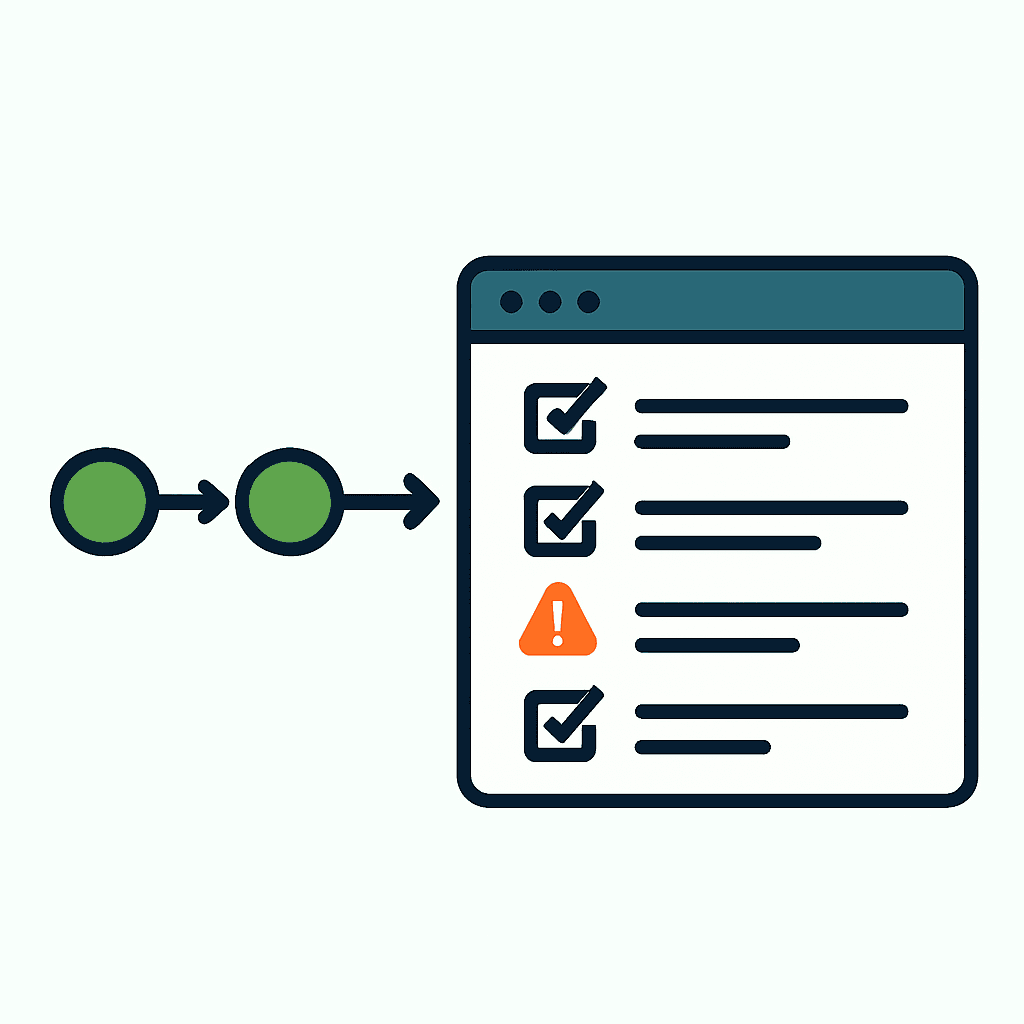
Deploys are where good code goes to die. CI can stay green while production burns. Run this checklist after every deploy that touches public pages. It catches regressions that hurt users, rankings, and revenue before they spread. Use it manually or wire it into a post-deploy job.
1) HTTP status and response headers
Start with the basics. The page must return the right status code. 200 for content. 301/302 for intended redirects. 404 and 500 mean trouble.
How to check fast:
curl -I https://example.com/path- Example:
curl -I -L https://example.com/product/123
Check the headers that matter:
- Content-Type: should be
text/html; charset=UTF-8for HTML pages. - Cache-Control / Expires: confirm the caching policy didn't change. Missing Cache-Control can increase load.
- Vary: especially
Vary: Accept-EncodingorVary: User-Agentif you serve different markup. - Content-Security-Policy: a bad CSP can block inline scripts or analytics.
Example command and expected output:
curl -I https://example.com/product/123
HTTP/2 200
content-type: text/html; charset=utf-8
cache-control: public, max-age=3600
content-security-policy: default-src 'self'; script-src 'self' https://cdn.example.com
If a deploy turns a page into a 500 or 403, revert or hotfix. Uptime checks won't save you. They miss header regressions all the time, which is exactly why a 200 OK does not mean a page works.
2) Rendered text length and visible content sanity
A 200 response means nothing if the page renders an empty shell. Check visible text length and key content.
Automated sanity check idea (node + Playwright):
const { chromium } = require('playwright');
(async () => {
  const browser = await chromium.launch();
  const page = await browser.newPage();
  await page.goto('https://example.com/article/sku-42', { waitUntil: 'networkidle' });
  const bodyText = await page.locator('body').innerText();
  console.log('charCount=', bodyText.length);
  await browser.close();
})();
House rules you can use:
- Critical landing pages should have > 500 visible characters.
- Product detail pages should include the product name and price strings.
Why it matters: SSR/CSR changes, hydration failures, or content API outages often leave behind a blank shell. A char-count threshold is a cheap guardrail, and it is one of the core checks behind why blank pages still happen in React, Next.js, and Vite.
3) Screenshot comparison (visual regression)
Visual regressions kill conversions without throwing errors. Pixel-perfect diffs are fantasy on dynamic pages. Use screenshot diffs with tolerances.
Process:
- Capture baseline screenshots for canonical pages: homepage, top landing pages, product pages, checkout.
- After deploy, capture new screenshots and run an image diff.
Tools: Playwright, Puppeteer, Percy, or open-source likwidiff.
Example Playwright snippet to save a screenshot:
await page.goto('https://example.com/');
await page.screenshot({ path: 'after-deploy-homepage.png', fullPage: true });
Comparison guidelines:
- Fail if more than 3% of pixels differ.
- Ignore known noisy regions: ads, timestamps, dynamic carousels.
- If the change is intentional, update the baseline immediately so the next deploy compares against reality.
This catches CSS regressions, missing fonts, layout shifts, and hidden CTAs.
4) Title, H1 and canonical tags
Metadata breaks quietly and causes expensive damage. Check title, H1, and canonical after deploy.
Checks:
<title>exists and isn't the app default like "MyApp" or "Untitled".- H1 matches the main headline and isn't empty.
rel="canonical"points to the expected canonical URL and not the homepage, unless that is correct.
Quick selector checks with Playwright/JS:
const title = await page.title();
const h1 = await page.locator('h1').innerText();
const canonical = await page.locator('link[rel="canonical"]').getAttribute('href');
Rules of thumb:
- Title length: 30–70 characters. Too short often means missing data. Too long gets truncated.
- H1 should not be boilerplate like "Welcome".
- Canonical should be absolute and include scheme and domain. Relative canonicals can create duplicate-indexing problems — see the canonical tag mistakes that quietly steal traffic.
5) robots meta / X-Robots-Tag / noindex mistakes
One stray noindex can wipe a page out of Google overnight. Check meta tags and response headers.
What to check:
<meta name="robots" content="noindex,nofollow">showing up where it shouldn't.- X-Robots-Tag set server-side. Example:
X-Robots-Tag: noindex
Quick curl + scrape example:
curl -sI https://example.com/page | grep -i X-Robots-Tag
And client-side check:
await page.locator('meta[name="robots"]').getAttribute('content');
Common deploy mistakes:
- Staging config reaches production with site-wide noindex.
- Feature flags flip the wrong way and add per-page noindex.
If you find unexpected noindex, rollback or patch at once. Then request reindexing in Google Search Console for the critical pages. This is one of the most common silent killers, covered in how a small tag removes SEO traffic.
Your site returns 200 OK — but is it actually working?
Guard is the monitoring technology that catches the silent failures other tools miss. KeyPages.ai is where you turn it on. Audit any URL free first — no signup, results in 30 seconds.
Run a free page audit6) Structured data and Open Graph
Structured data drives rich results. Open Graph and Twitter cards control social previews. One small JSON-LD mistake can break both.
Checks to run:
- JSON-LD exists and parses as valid JSON. Confirm required fields for the type. Example: Product needs name, image, price.
og:title,og:description,og:imageexist and aren't placeholders.
Example JSON-LD parse test (pseudo):
const js = await page.locator('script[type="application/ld+json"]').innerText();
JSON.parse(js); // catches syntax errors
Common failures:
- A server-side template change adds trailing commas to JSON-LD.
- The image CDN returns 403 for og:image.
Fix this fast. Bad structured data usually fails without alerting anyone. Use Google's Rich Results Test when needed.
7) Critical scripts, analytics, and third-party failures
Deploys love breaking loader logic and CSP rules. That means dead analytics and blocked scripts.
What to verify:
- Critical scripts loaded and executed: main bundle, analytics, tag manager. Check the browser console for errors.
- No failed network requests for script resources: 403, 404, 500.
A simple script-check:
const scripts = await page.evaluate(() => Array.from(document.scripts).map(s => ({src: s.src, async: s.async})));
console.log(scripts);
Look for errors such as:
TypeError: window.dataLayer is undefined(meaning GTM load order changed).- 403 from CDN after key rotation.
Why it matters: analytics gaps hide traffic drops. Broken tracking removes the telemetry teams need to spot failures.
8) Forms, CTAs, and transaction flows
Forms and CTAs are the product. If they fail, the deploy failed.
Manual or automated checks:
- Submit a contact form with a test email and confirm the server-side acceptance code or notification.
- Add to cart and move one step into checkout, up to payment gateway handoff. Use sandbox credentials.
Example test flow for add-to-cart (Playwright):
await page.click('[data-test=add-to-cart]');
await page.waitForSelector('[data-test=cart-count]:has-text("1")');
Common regressions:
- CSRF token changes break the client.
- Path normalization breaks fetch endpoints.
If checkout fails, revenue disappears. Run these tests with guarded data and environment variables so you don't pollute production.
9) Lighthouse and Core Web Vitals smoke check
Run a fast Lighthouse pass to catch big regressions in performance, accessibility, best practices, and SEO. You do not need perfection after every deploy. You need to catch the cliff.
How to run a headless Lighthouse CLI run:
lighthouse https://example.com/product/123 --output=json --output-path=report.json --only-categories=performance,accessibility,seo
What to watch:
- Performance score drops > 10 points.
- Largest Contentful Paint (LCP) increased by > 500ms.
- Cumulative Layout Shift (CLS) > 0.1.
Practical thresholds:
- LCP < 2.5s is good; 2.5–4s is tolerable; >4s needs action.
- CLS < 0.1; if a deploy increases CLS by > 0.05, investigate CSS or ads.
Run Lighthouse on representative pages. Use mobile throttling if you want something close to real conditions. Just remember that a green Lighthouse score is not enough on its own — it measures a single lab load, not whether real pages survived the deploy.
10) Google Search Console impact and indexing checks
A deploy can change how Google sees a page. If you touched content or metadata, check GSC.
Quick GSC actions:
- URL Inspection: fetch and render the affected URL to see what Googlebot saw. Check coverage, loaded resources, and indexing failures.
- Coverage report: look for new spikes in errors like server failures and redirects.
- Performance report: the data lags, but a sharp drop in impressions or clicks after a deploy deserves immediate attention.
If you fixed a noindex or canonical mistake, use "Request Indexing" in URL Inspection for critical pages. It can speed up recrawl. It does not guarantee instant reindexing.
Post-deploy automation and runbook
Make the checklist cheap or nobody will run it.
Options:
- Automate checks with CI/CD post-deploy jobs using Playwright, Lighthouse, and image diffs. Fail the post-deploy stage when critical checks fail.
- Keep a short runbook. Example: "If homepage title is missing, revert the last release and alert the SEO lead." Include contacts and rollback steps.
- Send alerts to Slack with screenshots and diffs. Let humans step in only when thresholds trip.
Example minimal CI job (pseudo):
- Step 1:
curl -Icheck status - Step 2: Playwright smoke (body length, title, h1)
- Step 3: Screenshot + image-diff
- Step 4: Lighthouse run and report upload
Automate what you can. Keep manual checks for payments and anything with legal impact. If you would rather not build and maintain all of this yourself, DataJelly Guard runs these checks on your live pages automatically — you can see the full list of tests it runs or audit any URL for free right now.
Run these checks after every deploy until they're muscle memory. Or automate the whole thing. DataJelly Guard watches production pages, catches regressions fast, and tells you before users and Google do.
Your site returns 200 OK — but is it actually working?
Guard is the monitoring technology that catches the silent failures other tools miss. KeyPages.ai is where you turn it on. Audit any URL free first — no signup, results in 30 seconds.
Run a free page audit