Blank Pages in React, Next.js & Vite: Root Causes
A debugging playbook for blank pages in React, Next.js, and Vite. Walk through the real root causes—JS crashes, hydration failures, broken bundles, routing bugs, bad env vars, third-party scripts—with repros, diagnostics, and fixes.
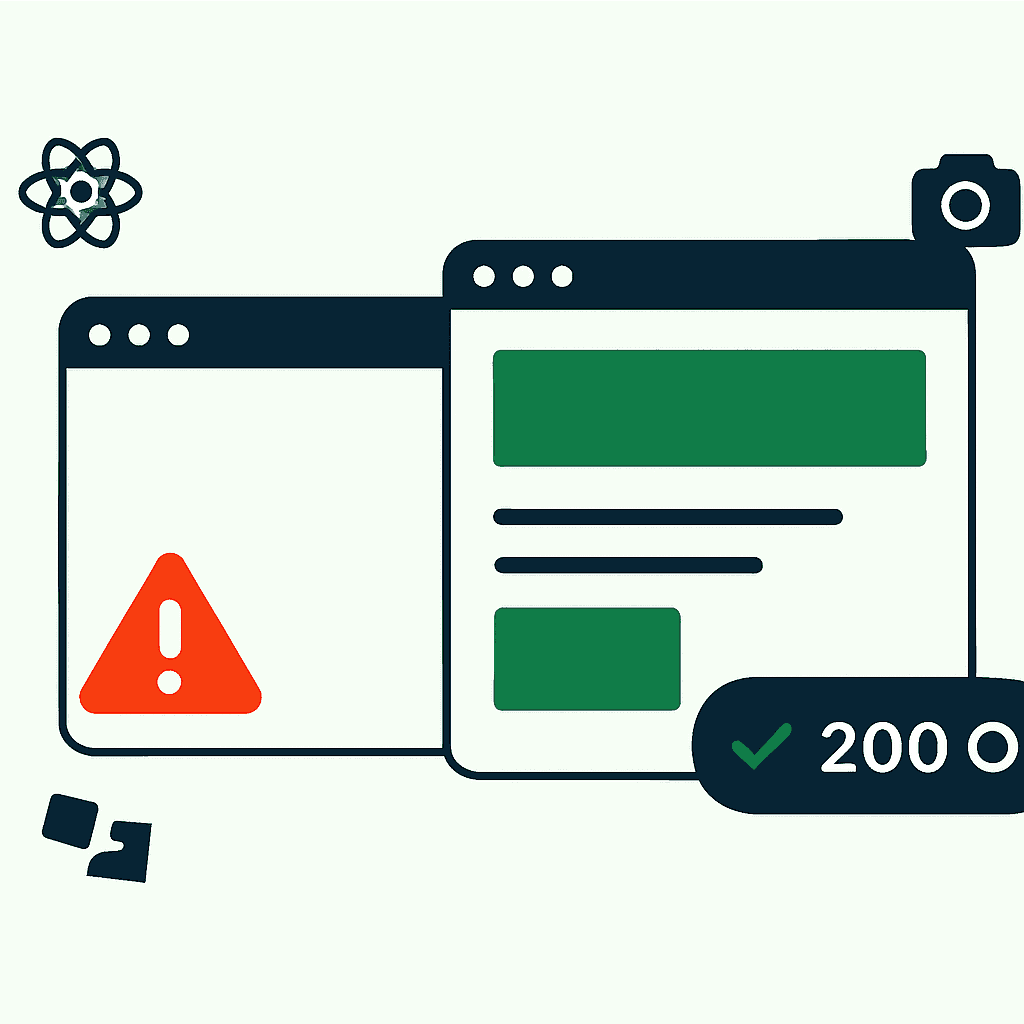
Blank pages never went away. React, Next.js, Vite—same white screen, newer branding. You deploy, open the URL, and get nothing: no UI, no obvious clue, maybe one useless console error. This post gets specific. We'll cover JavaScript crashes, hydration failures, broken bundles, routing bugs, bad env vars, and third-party failures. You'll get quick repros, diagnostics, and one guardrail that catches a lot of this early: rendered snapshots. It's the same class of failure behind a site that returns 200 OK but is completely broken—the server looks fine, the page doesn't.
1) JavaScript crashes: one exception, no app
One uncaught exception can stop the entire client render. In a React app mounting into document.getElementById('root'), a throw during render can leave that root empty. Result: blank page.
Example code:
const User = ({data}) => {
  // data.user may be undefined unexpectedly
  return <div>{data.user.name}</div>
}
If data.user is undefined, reading .name throws. In development, React usually shows the red overlay. In production, without a useful error boundary, the app can die and leave the page blank.
Common causes:
- Unexpected null/undefined values from APIs
- Accessing window.* before it exists
- JSON.parse on invalid data
- Refactor mistakes that compile but blow up at runtime
Diagnostics:
- Open DevTools Console. Look for uncaught exceptions and stack traces.
- Wrap risky components in an Error Boundary that logs failures.
- Ship source maps so production traces point to real code.
Mitigation:
- Add defensive checks. Prefer optional chaining:
data?.user?.name. - Use TypeScript and runtime assertions where they matter.
- Test ugly API responses in CI, not just happy paths.
2) Hydration failures in SSR/SSG apps
Hydration is where the server HTML meets client JavaScript. If they disagree, React complains. Sometimes it patches things up. Sometimes it tears down the DOM. Sometimes you get a page that looks rendered but acts dead. We dug into this specific failure mode in hydration crashes: the silent killer of modern web apps.
Common causes:
- Non-deterministic rendering: Math.random(), Date.now(), client-only state during SSR
- Browser APIs used during server render: window.localStorage, matchMedia
- Different output from cookies, feature flags, or auth state
Concrete example:
Server render:
<div id="time">1670000000000</div>
Client render:
<div id="time">1670001234567</div>
React warns about the mismatch. Best case, you get noisy logs. Worse case, hydration fails, event handlers never attach, or the client render crashes and the page goes blank.
How to track it down:
- Reproduce with an SSR server in NODE_ENV=production.
- Search SSR paths for Date.now(), Math.random(), and browser-only APIs.
- Move client-only updates into
useEffect. Keep server output deterministic.
Fixes:
- Move non-deterministic logic to
useEffector client-only components. - Use Next.js
dynamic(import, { ssr: false })when code must run only in the browser. - Capture hydration warnings in the browser and forward them to logs.
3) Broken bundles and build-time mistakes
Sometimes the app is fine and the bundle is the problem. The page loads. The HTML shows up. JavaScript never starts. Or the browser asks for the main chunk and gets a 404, a 500, or an HTML error page dressed up as JS.
Common causes:
- Wrong base path or public asset path
- Missing chunks after code-splitting
- CDN rewrites or blocks chunk files
- Minification bugs that produce invalid output
Real examples:
- Assets requested at /static/js/main.js but served at /app/static/js/main.js
- Chunk names changed by CI or blocked by a CDN rule
- A minifier edge case emits broken JS that some browsers refuse to parse
Diagnostics:
- Check Network for 404/500 responses on JS and CSS files.
- Inspect the response body. If a JS file contains HTML, routing or CDN config is wrong.
- curl the asset URL from CI or production-like environments.
Fixes:
- Set the correct asset base or publicPath.
- Pin bundler versions and test production builds locally.
- Add smoke tests that load the page and verify a render marker.
Your site returns 200 OK — but is it actually working?
Guard is the monitoring technology that catches the silent failures other tools miss. KeyPages.ai is where you turn it on. Audit any URL free first — no signup, results in 30 seconds.
Run a free page audit4) Client-side routing bugs and blank transitions
SPAs love to fail between pages. Routing bugs often show up as blank transitions, flicker, or a route that renders exactly nothing.
Common failure modes:
- A matched route returns null while data loads
- Guards or middleware trigger redirect loops
- Async route loaders reject without an error boundary
Example:
- In react-router, a Route with
element={<Protected />}can flicker blank if Protected callsnavigate('/login')inuseEffectwithout a proper guard.
Diagnostics:
- Reproduce navigation flows in Playwright or Puppeteer.
- Log route changes so unexpected redirects are obvious.
- Watch for rejected loaders and lazy imports.
Fixes:
- Resolve auth state cleanly. Render a fallback while it loads.
- Add error boundaries around lazy-loaded route components.
- Make redirect logic idempotent so it can't loop forever.
5) Bad environment variables and runtime configuration
Bad config breaks apps in boring, expensive ways. A missing API URL, wrong host, or unexposed env var can kill the first fetch and leave the UI with nothing to render.
Common pitfalls:
- Using
process.env.MY_APIin the browser without exposing it through the build tool - Overwriting config per environment and forgetting production values
Example:
const API = process.env.NEXT_PUBLIC_API_URL
fetch(`${API}/user`) // API is undefined -> fetch('undefined/user') -> network error
Diagnosis:
- Inspect built JS and confirm env values were replaced.
- Log critical config on boot.
- Fail startup loudly when required config is missing.
Fixes:
- Validate env at build or startup.
- Render a clear failure page instead of pretending the app can continue.
- Use schema validation with zod or yup against process.env.
6) Failed or slow third-party dependencies
Third-party scripts fail all the time. When they fail early enough, they take your app with them.
Scenarios:
- An ad or A/B test script mutates document.body and wrecks the page
- A CDN outage returns an HTML 500 page for a script URL
- Your boot code expects a global that never gets defined
Concrete example:
<script src="https://cdn.example.com/widget.js"></script>
If widget.js throws before setup finishes and your app expects window.Widget, your boot code crashes next.
Mitigation:
- Load third-party scripts with
defer,async, or dynamic import insideuseEffect. - Guard access to third-party globals:
if (window.Widget) { window.Widget.init() } - Monitor third-party resource failures with Resource Timing and error logging.
7) How rendered snapshots catch blank pages
Rendered snapshots catch what unit tests miss: what the user actually sees after deploy. If the screen is blank, the screenshot shows it. If the DOM is empty, the HTML snapshot proves it. This is exactly the gap DataJelly Guard is built to close—it loads your real pages in a browser and checks the rendered output, not just the HTTP status.
What to capture:
- Full-page screenshots at multiple viewport sizes
- HTML snapshots of
document.body.innerHTML - Console logs and network failures during capture
What they reveal:
- A blank screenshot gives you an obvious visual failure
- HTML tells you whether SSR markup existed and JS died later, or nothing rendered at all
Example flow with Playwright or Puppeteer:
- After build and deploy, open a headless browser
- Visit /user/123
- Wait for network idle and a selector like
[data-test=app-ready] - Save a screenshot and page HTML
- Fail if the DOM is empty or the screenshot is mostly white
Quick code sketch (Playwright):
await page.goto(url, { waitUntil: 'networkidle' })
const html = await page.content()
await page.screenshot({ path: 'snapshot.png', fullPage: true })

if (html.includes('<div id="root"></div>') || screenshotIsMostlyWhite()) {
  throw new Error('Blank page detected')
}
How to integrate:
- Run snapshots in CI on every PR or on critical deploys
- Store artifacts and diff them over time
- Alert on regressions before users file tickets
Snapshots catch many of the failures above: broken bundles, JS crashes, hydration failures, and routing bugs. They don't replace logs. They give you a high-signal tripwire. You can see the full set of checks in the Guard test suite breakdown or run them against any URL with the free page audit.
8) Practical checklist to prevent blank pages
Put this in your pipeline and incident playbook.
Pre-deploy
- Run SSR in production mode locally and smoke-test key routes.
- Verify asset URLs. curl the main bundle from the same path your CDN will use.
- Run rendered snapshots for critical flows.
At runtime
- Capture console errors, unhandled rejections, and resource load failures.
- Use error boundaries, route-level fallbacks, and defensive checks.
- Validate critical config at startup and fail fast with a clear diagnostic page.
Monitoring
- Add synthetic monitors that check screenshots and DOM markers.
- Track hydration warnings and JS exception rates.
- Alert on spikes in CDN 5xx asset failures.
Recovery
- Serve a static fallback page for major failures.
- Keep rollback fast and boring.
Do this well and a routine regression stays a routine regression. Do it badly and users get a white screen.
Blank pages aren't mysterious. They're just failures you didn't catch soon enough. Add rendered snapshots, capture console and network failures, and make deploys prove the UI actually renders — folding them into your post-deploy production checklist is the cleanest way to do that, because deploys break pages in ways your logging stack won't catch. Make the deploy prove the page rendered before your users do it for you.
Your site returns 200 OK — but is it actually working?
Guard is the monitoring technology that catches the silent failures other tools miss. KeyPages.ai is where you turn it on. Audit any URL free first — no signup, results in 30 seconds.
Run a free page audit