Canonical Tag Mistakes That Quietly Steal Traffic Now
Canonical tags can wreck search visibility after redesigns, migrations, or CMS updates. Learn the failures, examples, tests, and production checks that catch them fast.
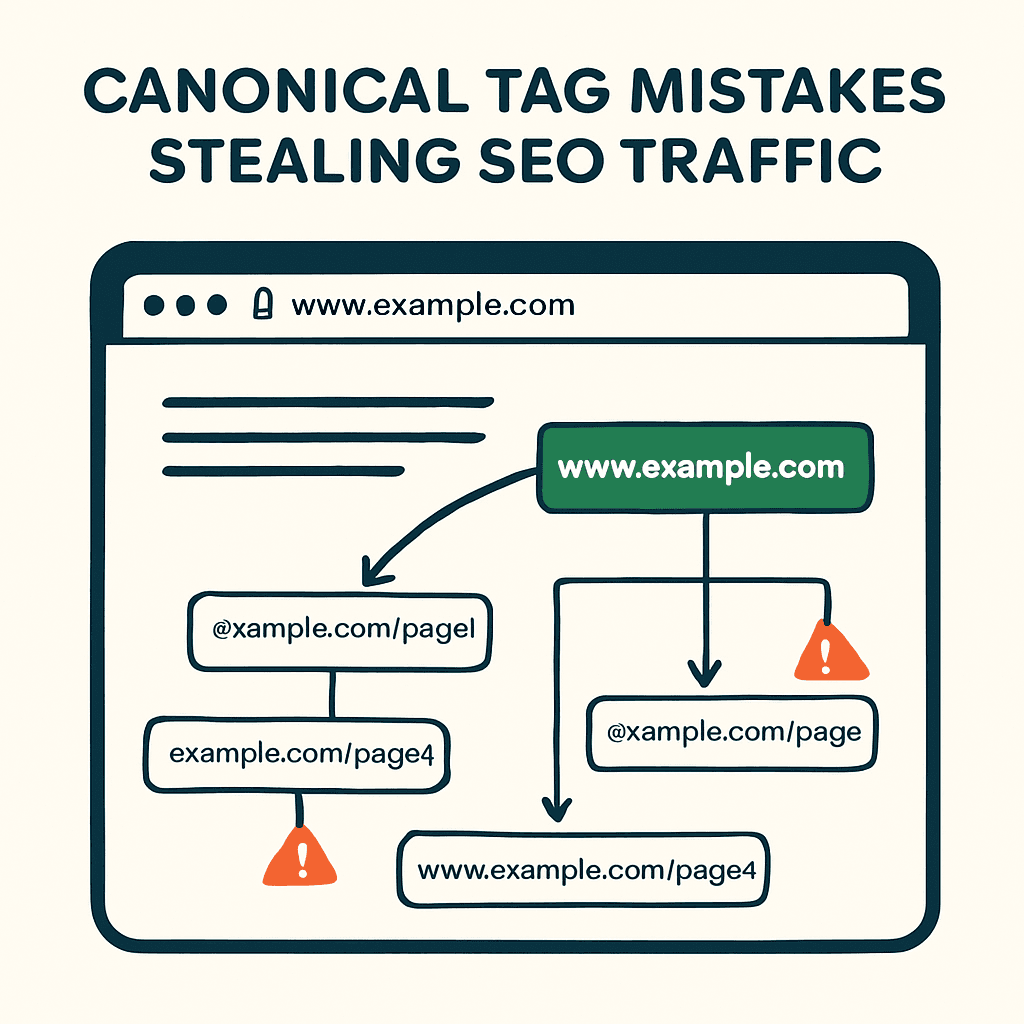
Bad canonical tags can gut organic traffic without throwing a single error. Search engines use rel=canonical to pick the preferred URL for a page. Get that wrong and Google indexes the wrong version. Authority splits. Rankings slip. The damage usually starts after a redesign, CMS swap, framework update, or migration. Most teams miss it until sessions fall and the cleanup gets expensive. This post covers the canonical failures that show up most often, with examples, tests, and production checks that catch them before search traffic takes the hit.
A quick refresher: what canonical does and what it doesn't
rel=canonical is a hint, not an order. It tells search engines which URL should count as the primary version. Used well, it consolidates duplicate signals across URL variants like http vs https, www vs non-www, and tracking parameters. It does not redirect users. It does not change server behavior. It does not replace sitemaps or hreflang. A bad canonical can do more damage than no canonical at all. If Google trusts the wrong one, valuable pages can disappear from the index.
Common canonical mistakes that kill search traffic
These are the failures that keep showing up in audits and post-deploy wreckage.
1. Wrong-domain canonical
Example: the site moved from www.example.com to example.com. Pages now load on example.com but still declare www.example.com as canonical. Google may treat the new pages as duplicates of the old host. Indexing flips back. Traffic drops.
The fix is simple: use the public domain, not the old or internal host.
2. Every page canonicalizes to the homepage
This usually comes from broken template logic. A per-page variable disappears during a refactor, and the fallback value gets sprayed across the site. Result: Google keeps the homepage and drops the rest. Category pages, product pages, and articles vanish from search. This is one of the most common deploy-time failures that logs miss.
3. Missing canonicals on paginated or parameterized pages
Without canonicals, duplicate signals spread across URLs with ?utm tags, session IDs, or sort parameters. Authority fragments. Crawl budget gets burned on junk variants.
4. Canonical loops and chains
Page A canonicalizes to B, and B canonicalizes back to A. Or A -> B -> C -> D. Search engines often ignore hints that look confused. Long chains also slow signal consolidation.
5. Protocol and trailing-slash mismatches
Canonicals lock in http vs https and /path vs /path/. Pointing to http when the site runs on https is wrong. Mixing slash and non-slash versions creates duplicate pages you didn't need.
6. Canonicalizing to a soft 404 or hard 404
If a canonical points to a non-indexable URL, the source page loses its shot at indexing. Common bad targets: 404s, irrelevant 301 destinations, or pages blocked by robots.txt.
7. Canonical points to the wrong language or regional site
When internationalization logic breaks, en-us pages may canonicalize to the global root or another locale. Localized search visibility disappears fast.
Why these bugs appear after redesigns, migrations, or framework updates
Redesigns and migrations are prime time for canonical damage. The failures are boring. The impact isn't.
-
Template refactors: Developers change the layout engine. The variable that used to supply the per-page canonical gets renamed, dropped, or never passed through. The fallback value, often the homepage, wins everywhere.
-
CMS migrations: The new CMS creates different URL patterns. Migration scripts map old URLs to new ones but leave canonical fields untouched. Or the fields stay blank and the theme default takes over.
-
Server-side to client-side rendering changes: Move meta tags into client-rendered code and bots may never see the right canonical in the initial HTML. This is a common cause of pages being crawled but not indexed.
-
Base URL and proxy changes: A CDN or reverse proxy rewrites the host. If canonical generation trusts the request Host header, it may output the origin host instead of the public domain.
-
Automated find-and-replace: During a domain move or rename, one sloppy regex can stamp the wrong host into every canonical tag.
-
A/B tests and feature flags: One variant keeps old canonical logic. Another uses new logic. Live traffic gets inconsistent canonicals.
These are deploy-time failures. Unit tests often miss them. They show up later in production logs or Search Console, when the damage is already live.
Your site returns 200 OK — but is it actually working?
Guard is the monitoring technology that catches the silent failures other tools miss. KeyPages.ai is where you turn it on. Audit any URL free first — no signup, results in 30 seconds.
Run a free page auditConcrete examples and numbers
Example 1: Homepage canonical on content pages
A news site shipped a template that set the homepage as canonical on every page. Organic sessions to content pages can fall sharply within a couple of weeks as Google drops the duplicates, and article impressions tend to follow.
Example 2: Domain mismatch after CDN switch
An ecommerce site moved to shop.example-cdn.net as the origin behind example.com. Canonicals were generated from the internal host header, so they pointed to shop.example-cdn.net. Google started indexing technical URLs and product page impressions slid. The fix was to regenerate canonicals to the public domain and request reindexing in Search Console.
Example 3: Canonical loop
During a migration, page A canonicalized to B and B canonicalized to A. Google ignored both hints. Both pages lost rankings for head terms, and traffic for that segment dropped until the loop was broken.
Watch three numbers closely: organic impressions and clicks by page, indexed page count, and average position. If many pages drop 20% or more right after a deploy, assume a systemic canonical failure until proven otherwise.
How to detect canonical issues fast
Run these checks in QA and again in production.
1. Sample crawl and canonical parity
Crawl a representative sample of 1,000 pages after deploy. Compare each page URL to its rel=canonical value. This catches missing and mismatched canonicals. Filter by domain and protocol to find host-level mistakes.
2. Detect site-wide identical canonicals
Count canonical values across the crawl. If one value, usually the homepage, appears on more than 5% of pages, review it immediately.
3. Find canonical loops and chains
Build a directed graph of URL -> canonical. Use DFS to detect cycles. Report any cycle with more than one node.
4. Compare canonical targets against status codes and robots directives
For each canonical target, send a HEAD request and check status and robots directives. If the target returns 404, 301s to unrelated content, or carries noindex, the canonical is broken.
5. Compare indexed URLs to the sitemap set
Use the Search Console API to compare indexed URLs against the expected canonical set. Sharp coverage deltas usually mean something broke. This pairs well with Guard's Search Console integration.
6. Check server logs and referrer patterns
If organic landing pages fall while the app keeps serving pages cleanly, you likely have an indexing problem, not a runtime failure. Line up the drop with deploy timestamps.
Prevention: tests and production checks you should add
Add these checks to CI and production monitoring.
-
Unit tests for templates: Verify that the canonical template receives and renders the correct per-page value.
-
End-to-end smoke tests: After every deploy, fetch a sample of URLs and validate canonical parity, HTTP status, and indexability. Fail the deploy if mismatches cross your threshold.
-
Canary checks: Run smoke tests against a slice of live traffic nodes. Some failures only appear under real host headers or behind the CDN.
-
Scheduled crawls: Crawl your top pages daily to catch drift. Store canonical history and diff it. Alert if more than 1% of pages change canonical without a planned reason.
-
Graph analysis for loops: Run a daily cycle detector on canonical mappings. Alert on any loop.
-
Search Console monitoring: Alert on major drops in indexed pages or impressions. Use the API so triage starts before someone notices in a dashboard.
-
Log-based correlation: Capture deploy IDs in access logs. Correlate them with organic landing-page traffic and index signals. If the cliff starts at a deploy, roll back fast.
Most teams skip these checks because canonical failures don't break the UI. Search traffic doesn't care.
Fixing canonical problems: pragmatic steps
When you find a canonical failure, move fast.
1. Revert or hotfix the template
If the deploy caused it, patch the canonical generation logic or roll back. Speed matters more than elegance here.
2. Re-crawl and reindex
Use Google Search Console's URL Inspection and Indexing API where available to request fresh crawls for corrected priority pages. Submit updated sitemaps.
3. Repair canonicals at scale
If the failure hit many pages, generate a mapping of bad canonical -> corrected canonical. Serve 301s where they make sense. Correct canonicals plus 301s send the strongest consolidation signal.
4. Watch recovery metrics
Track impressions, clicks, and index coverage. Recovery can take days or weeks, depending on site size and crawl frequency.
5. Run the retrospective
Find the exact break point. Then add the tests and monitors that would have caught it before release.
Production monitoring catches what CI misses
Canonical failures are production failures. They come from deploys, CDNs, proxies, and CMS changes. CI helps. Production checks catch what CI misses. Capture canonical mappings after release, run parity tests, and alert on abnormal deltas.
Guard runs automated canonical validation on every scan. It checks that the canonical URL matches the page being scanned, validates the protocol and domain, and flags loops or chains. If you're running scheduled scans with Guard, canonical drift gets caught before Google notices.
Add canonical parity checks to your deploy pipeline before the next release burns search traffic. Start with a 1,000-page crawl, compare each URL to its canonical, and catch the break before Google does — and fold it into your broader post-deploy production checklist so canonical drift gets caught alongside every other deploy regression. Run a free audit to see what Guard finds on your site today.
Your site returns 200 OK — but is it actually working?
Guard is the monitoring technology that catches the silent failures other tools miss. KeyPages.ai is where you turn it on. Audit any URL free first — no signup, results in 30 seconds.
Run a free page audit