Accidental Noindex: How a Small Tag Removes SEO Traffic
Learn how an accidental noindex drops pages from Google. Causes, real examples, code snippets, and a monitoring checklist to catch it fast.
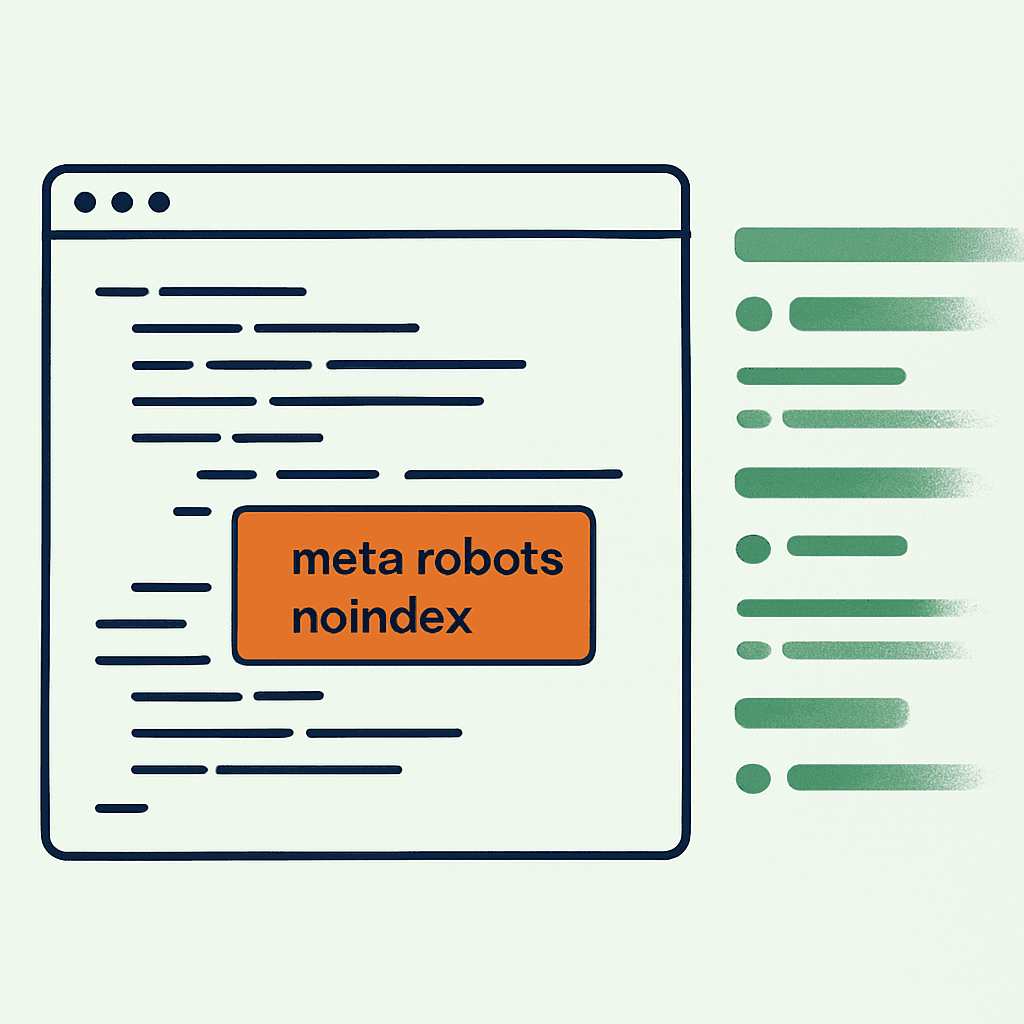
One meta tag can erase months of SEO work. I've watched landing pages, product docs, and entire category trees disappear from Google because of one stray string: noindex. This article shows how it happens, what it looks like in code, and how to catch it before traffic falls off a cliff.
What is a noindex and how search engines act
Noindex tells search engines not to include a page in their index. The common forms are:
- HTML meta tag:
<meta name="robots" content="noindex, nofollow"> - HTTP header:
X-Robots-Tag: noindex robots.txtdisallow (blocks crawling; it is not the same as noindex)
Search engines treat meta noindex and X-Robots-Tag as authoritative. If they see noindex, they drop the page from search results. Sometimes that happens fast. Sometimes it takes days or weeks, depending on crawl frequency. No index means no visibility. No visibility means no organic traffic. That's why accidental noindex is nasty: it does real damage before anyone notices.
Common ways noindex ships to production
These are the failures that show up over and over in audits and postmortems.
- Staging config leaks Teams often noindex staging to avoid duplicate content. The usual setup uses an environment flag to toggle a template snippet. If deploy logic misreads that flag, production gets the staging tag.
Example:
<!-- layout.html -->
{% if ENV == 'staging' %}
  <meta name="robots" content="noindex, nofollow">
{% endif %}
If ENV is wrongly set to staging in production, the tag ships.
-
Template changes and refactors A refactor that centralizes head metadata can spread noindex sitewide. One debugging tag, merged without a cleanup, can poison every page.
-
CMS fields and editorial controls Many CMSs expose an SEO toggle like "publish to index." Editors can flip it on a page or template. Bad null handling makes it worse. One missing value becomes noindex by default.
Example in a React frontend:
const robots = page.seo && page.seo.robots ? page.seo.robots : 'noindex';
// missing intended default of 'index' causes accidental noindex
-
Framework metadata changes Next.js, Gatsby, and Nuxt have all changed metadata APIs over time. Migrations can invert defaults. A harmless upgrade turns into a sitewide indexing failure.
-
Global layout bugs A shared layout is a great place to make one mistake everywhere. A feature flag, A/B test, or temporary landing page change can inject noindex into the global head.
-
Deployment pipeline failures Blue/green and canary deploys can mix configs across clusters. A container built with staging values lands in production traffic. Kubernetes config maps and Helm values are repeat offenders. These are exactly the kind of regressions that logs don't catch but rendered checks do.
Concrete examples and reproductions
Example 1: Staging leak via environment variable.
A team used an ENV var called DEPLOY_ENV. CI built preview artifacts with DEPLOY_ENV=staging. A CI race tagged a preview artifact as latest and deployed it. Result: roughly 4,500 pages served meta robots noindex for about 72 hours before anyone noticed, and organic traffic to those pages dropped hard that week.
Example 2: CMS default value bug.
A headless CMS stored seo.robots as nullable. Backend code serialized null to noindex:
robots = page.seo[:robots] || 'noindex'
After a migration, the intended default was index. The bug sat there for weeks until the content team spotted Search Console warnings.
Example 3: Global layout change. During a redesign, an engineer added a diagnostic tag to block indexing while previews were in flight:
<meta name="robots" content="noindex">
The tag stayed in the base layout and shipped. It hit the category pages that drive a large share of monthly revenue.
Your site returns 200 OK — but is it actually working?
Guard is the monitoring technology that catches the silent failures other tools miss. KeyPages.ai is where you turn it on. Audit any URL free first — no signup, results in 30 seconds.
Run a free page auditHow to detect accidental noindex quickly
Speed matters. The faster you catch noindex, the less traffic you lose. Use multiple signals. Google Search Console helps, but it lags.
- Automated checks in CI
Fetch rendered HTML from your production build artifact. Assert that it does not contain noindex or
X-Robots-Tag.
Example:
curl -sI https://example.com/path | grep -i "x-robots-tag:.*noindex" && exit 1
curl -s https://example.com/path | grep -i "<meta.*name=\"robots\".*noindex" && exit 1
Run this against a sample of canonical pages.
-
Synthetic monitoring from multiple locations Fetch key pages on a schedule and scan for robots directives. Run monitors from multiple IPs so you catch geo-specific config mistakes.
-
Real user metric correlation Watch organic landing-page traffic in analytics. A sharp drop in organic sessions on high-traffic pages often points to an indexing failure. Alert on percentage drops, such as more than 25% week over week for a page or page group.
-
Search Console and index coverage GSC reports removed URLs and reasons. Check Removals and Index Coverage daily after releases.
-
Crawl logs and server logs Inspect what Googlebot requested and what your server returned. If Googlebot fetched a page and got noindex, you have your smoking gun. If you are not sure what bots actually receive, here is how to test what Google sees.
-
Sitemap validation Your sitemap should not list noindexed pages. If it does, something is broken.
Prevention: engineering practices and checks
Treat noindex like a high-risk change. Gate it like you mean it.
-
Code reviews: Review any change that touches the head or global layout. If a PR changes robots tags, call it out in the description.
-
Feature flags: If you need noindex for previews, scope it by hostname or signed cookie. Do not bake it into build-time templates without strict namespacing.
-
Configuration segregation: Keep staging and production config separate. Use immutable artifacts across environments, then inject runtime settings safely.
-
Default-first coding: Default to
index. Fail open to index, not noindex. Example fix:
const robots = page.seo?.robots ?? 'index';
-
Automated deploy checks: During deploy, fetch canonical URLs. Fail the deploy if noindex appears where it should not.
-
Experiments and A/B tests: Scope metadata changes to the variant. Never let an experiment write into the global layout.
A practical monitoring checklist for noindex and robots
Use this as a minimal runbook. Automate everything you can.
Pre-deploy checks
- CI: scan rendered HTML for meta robots and fail on noindex for canonical pages.
- CI: check HTTP headers for
X-Robots-Tag: noindex.
Post-deploy quick checks (first 30 minutes)
- Synthetic monitor: fetch the top 10 revenue pages and assert they are not noindexed.
- Server logs: sample Googlebot requests and inspect responses.
Ongoing monitoring
- Fetch sitemap entries daily and verify they are indexable.
- Alert on more than 20% drop in organic sessions for any page group week over week.
- Check GSC Index Coverage daily and report anomalies.
Incident response
- If you detect noindex, roll back or hotfix the template immediately.
- Re-request indexing in GSC after the fix.
- Document the root cause and add a safeguard to prevent a repeat.
Ownership and process
- Assign an owner for SEO-critical pages.
- Require two reviewers for meta or head changes. One should be an SEO or product owner.
Example scripted check (Bash):
PAGES=(/ /pricing /docs /blog/top-post)
for p in "${PAGES[@]}"; do
  html=$(curl -s https://example.com$p)
  echo "$html" | grep -i "<meta[^>]*name=\"robots\"[^>]*noindex" && echo "NOINDEX found on $p" && exit 1
  curl -sI https://example.com$p | grep -i "x-robots-tag:.*noindex" && echo "X-ROBOT noindex on $p" && exit 1
done
A robots check is just one of the tests a production monitor should run on every deploy. Pair it with checks for render integrity, canonical tags, and content loss so a single stray directive never slips through.
Recovering from an accidental noindex
Move fast.
- Remove the noindex and deploy the fix.
- Confirm the HTML and headers no longer contain noindex using the same checks above.
- In Google Search Console, inspect representative URLs and request indexing. That can speed up re-crawling.
- Check server logs for Googlebot visits. If Google has not crawled since the fix, push re-crawl requests.
- Watch organic traffic and index coverage daily.
Some recovery is quick. High-authority pages may return in days. Low-crawl pages can take weeks. Document the timeline, roll back the bad change if needed, and run a postmortem that closes the process gap.
Parting advice
Noindex is tiny and brutal. One tag can wipe out a traffic channel. Treat meta tags and robots headers like database migrations: small, explicit, reviewed, and monitored in production. Put checks in CI. Run synthetic monitors. Make SEO ownership part of the deploy pipeline.
If you want one easy win, add CI checks and a daily synthetic monitor for your top 50 organic pages. That catches most accidental noindex failures before they turn into a traffic obituary.
One stray robots tag can kill months of search traffic. Add robots checks to CI and production monitoring now, ideally as part of a standard post-deploy production checklist. If you want coverage that catches SEO regressions after deploy, DataJelly Guard helps you spot them before Google does — explore the dashboard or audit a page for free.
Your site returns 200 OK — but is it actually working?
Guard is the monitoring technology that catches the silent failures other tools miss. KeyPages.ai is where you turn it on. Audit any URL free first — no signup, results in 30 seconds.
Run a free page audit