Staging vs Production Parity: Why Pages Pass in Staging and Break Live
Your build is green. Staging looks perfect. You deploy — and the homepage renders blank, the pricing table is empty, or checkout silently fails. The code didn't change between staging and production. The environment did. This guide explains the seven dimensions of environment parity, why the gap is impossible to fully close, and how to monitor the part that always slips through.
Why a green staging run doesn't mean a healthy production
Staging exists to answer one question: “will this work in production?” The uncomfortable truth is that a passing staging deploy only proves the code worked in staging. The moment the same artifact runs against a different set of environment variables, a different database, different third-party endpoints, and real traffic, its behavior can change completely — without a single line of code differing between the two.
This is why the failures are so disorienting. There's no stack trace in CI, no failed test, no red build. The deploy succeeds, the server returns 200 OK, and the page is broken anyway. The break didn't come from your code. It came from the gap between two environments that were supposed to be the same and quietly stopped being the same.
The core mismatch
Tests and staging validate code. Production failures usually come from environment. The two environments are managed independently, so they drift — and the drift is invisible until a real user (or a crawler) hits the live page.
Configuration drift: the root cause
Configuration drift is the gradual divergence of two environments that are managed separately. It is the single most common reason a deploy that passed staging breaks in production. Drift accumulates quietly through completely normal operations:
- Manual production changes. An incident gets a hotfix applied directly to production. It works, the fire is out — and it's never backported to staging. Staging is now a fiction.
- Inconsistent dependencies. Staging and production end up on different OS, runtime, or library versions because they were provisioned or updated at different times.
- Data differences. Staging runs on synthetic or stale data; production handles live volumes, real edge cases, and schemas that have moved on.
- Topology mismatches. Single-node staging versus clustered production; different load balancers, caching layers, resource limits, and regions.
- External-service usage. Staging points at mocks or sandboxes with different latency and API contracts than the real production endpoints.
Each of these is reasonable in isolation. Together they mean staging slowly stops representing production, and “it passed in staging” becomes a statement about a place that no longer exists.
The seven dimensions of environment parity
Parity isn't one thing. When people say two environments “match,” they usually mean the code matches. But there are at least seven independent dimensions, and a gap in any one can produce a production-only failure.
1. Environment variables & secrets
2. Dependencies & runtime
3. Data
4. Third-party & API endpoints
5. Feature flags & rollout state
6. Infrastructure & topology
7. Real traffic & device mix
The seventh dimension can't be provisioned at all: concurrent load, real browsers, older devices, flaky mobile networks, ad blockers, and bot/crawler traffic. Production is the only place this dimension exists, which is why some failures are fundamentally undetectable before you ship.
How missing environment variables fail silently
Environment variables deserve special attention because they cause the most confusing class of production-only failures. The expectation is that a missing variable crashes loudly. In practice, the opposite happens.
| Failure pattern | What the user sees | Status code |
|---|---|---|
| Default fallback (e.g. localhost) | A section that never loads or points at the wrong host | 200 |
| Swallowed error | Empty state where content should be, no error shown | 200 |
| Scope mismatch (dev-only var) | Feature invisible in the production build | 200 |
| Partial deploy across nodes | Works on some requests, breaks on others | 200 |
In every row the server returns 200. The transport succeeded; the document was delivered. The failure lives in the rendered output, which is exactly the layer that status-code and uptime monitoring never inspect.
Fail loud at startup
The cleanest defense is startup validation: assert every required variable is present and fail the boot explicitly if one is missing. A deploy that won't start is far cheaper than a deploy that silently serves a broken page to real users.
What it looks like: same code, two outcomes
In staging (passes)
- Env vars present and dev-scoped
- Mocked API returns instantly, never errors
- 50 rows of clean seed data
- Feature flag forced on
- Single node, no CDN cache
- One developer, fast desktop, no ad blocker
In production (breaks)
- A required var unset → section renders empty
- Real endpoint is slow or rate-limited → data fetch fails
- Millions of rows → pagination/null edge case crashes render
- Flag off for this cohort → untested code path
- Edge cache serves a stale or partial shell
- Real users on mobile, older browsers, blockers → JS never executes
Nothing in the artifact changed. Every difference above is environmental. This is the mechanism behind “works on my machine” scaled up to “works in staging.”
How to close the gaps that matter
You can't make staging identical to production, but you can eliminate the most common and highest-impact gaps. The widely recommended approach is to treat configuration the same way you treat code:
- Configuration as code. Version every setting. No undocumented manual changes in either environment; changes flow through the same reviewed pipeline.
- Startup validation. Fail the boot explicitly when a required variable is missing, rather than falling back to a default that hides the problem.
- Ephemeral preview environments. Provision per-pull-request environments from production configuration so reviews run against something that actually resembles live.
- Configuration fingerprinting. Hash the expected config and block a deploy if the live environment doesn't match the expected state.
- Reality tests, not just unit tests. Verify real production concerns — database connectivity, file paths, external API reachability — against the live environment.
The gap never fully closes
Even with all of the above, live data volume, real third-party latency, edge-cache behavior, and real traffic remain impossible to fully reproduce. There will always be a residual gap — so the last line of defense can't be “test harder before deploy.” It has to be watching production itself.
Monitor the residual gap in production
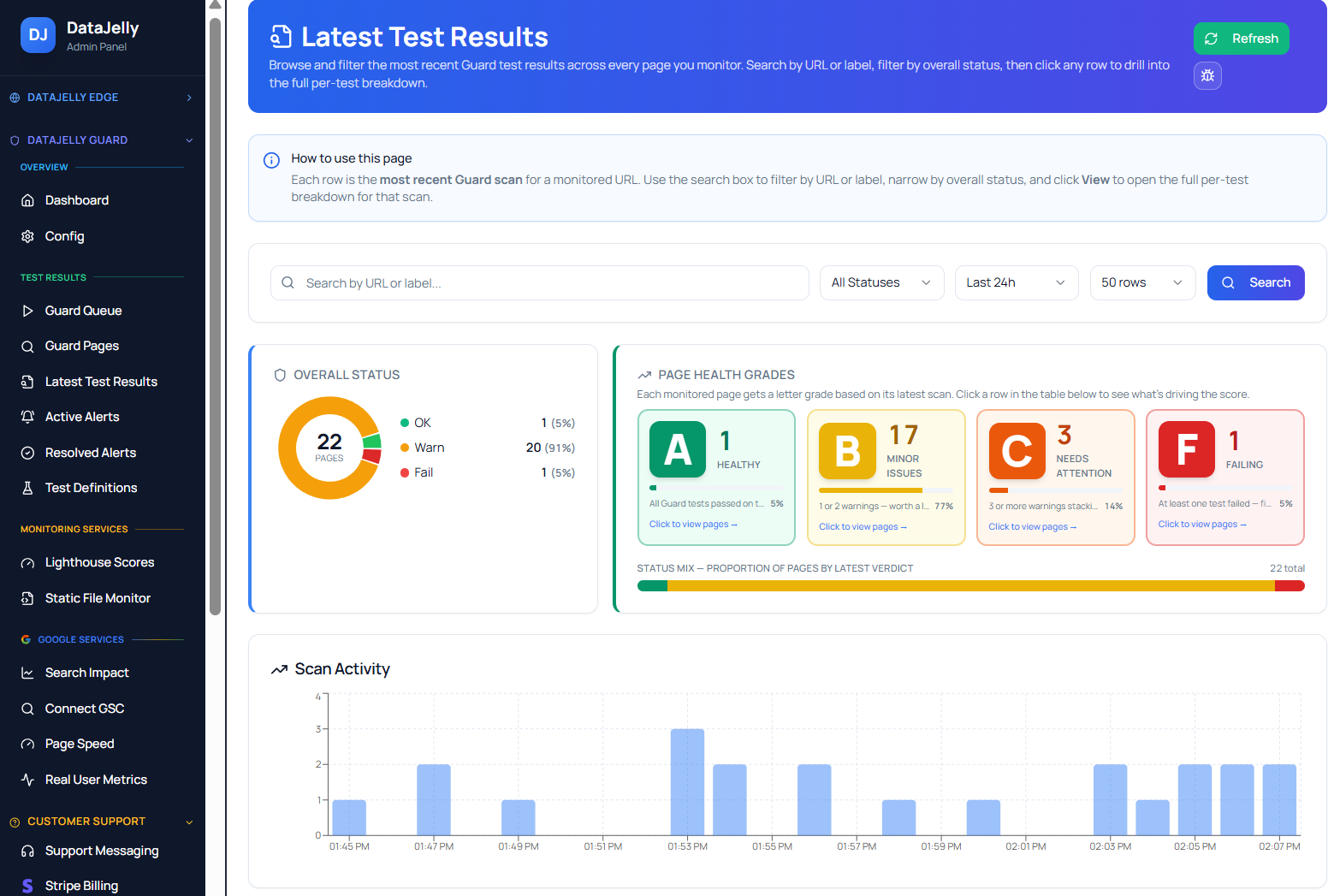
Because parity is asymptotic — you get closer but never arrive — the only thing that reliably catches environment-driven failures is checking the rendered output of the live page after it deploys. That's what DataJelly Guard does: it loads the real production URL, renders it the way a browser and a crawler would, and verifies the output is intact rather than trusting the status code.
- Confirms required content and selectors are present, not just that the page returned 200.
- Detects empty states caused by missing env vars or failed production API calls.
- Catches runtime and resource errors that only appear against real endpoints and traffic.
- Watches SEO signals (title, H1, canonical, noindex) that a config gap can silently alter.
- Re-checks immediately after each deploy, when environment-driven breaks are most likely.
Guard complements your pipeline
This isn't a replacement for CI, staging, or APM. CI validates code, staging catches what it can, APM watches the backend. Guard covers the layer they all miss: the actual rendered output of live pages, where environment drift finally becomes visible.
Frequently asked questions
Why do pages pass in staging but break in production?
Staging and production drift apart over time — a phenomenon called configuration drift. Differences in environment variables, dependency versions, data shape and volume, third-party endpoints, feature-flag states, infrastructure topology, and traffic mean code that renders perfectly in staging can fail live. The status code still returns 200, so the break is silent.
What is configuration drift?
Configuration drift is the gradual divergence of two environments that are managed independently. Hotfixes applied directly to production but never backported, mismatched runtime or library versions, and manual one-off changes accumulate until staging no longer represents production. It is the single most common reason a passing staging deploy breaks live.
What are the dimensions of environment parity?
The main ones are: environment variables and secrets, dependency and runtime versions, data (shape, volume, edge cases), third-party and API endpoints, feature-flag and rollout state, infrastructure topology (CDN, caching, regions), and real traffic and device mix. A gap in any one can produce a production-only failure.
How do missing environment variables cause silent failures?
When a required variable is absent, code often falls back to a default (like localhost), swallows the error, or renders an empty state instead of crashing loudly. The page still returns 200 while a section, integration, or data fetch is silently broken. Startup validation that fails explicitly on missing variables prevents this.
How do you achieve staging-production parity?
Treat configuration as code and version it, validate required env vars at startup, use ephemeral preview environments provisioned from production config, and fingerprint/hash configuration to block mismatched deploys. Because perfect parity is impossible, the last line of defense is monitoring the real production output after every deploy.
Can you ever make staging identical to production?
No. Production has live data volumes, real third-party latency, real traffic and device diversity, and CDN/edge behavior that staging cannot fully reproduce. The goal is to close the gaps that matter and then verify the rendered output of live pages directly, rather than assuming a green staging run guarantees a healthy production.
Keep reading
Guard Test Catalog
The full searchable reference of every test, with severity and how-to-fix guidance.
Production Page Monitoring
The four silent failure classes — missing content, broken CTAs, metadata issues, and silent breaks — and how to monitor each.
JavaScript Production Monitoring
Catch blank pages, hydration crashes, and deploy-time output regressions in JavaScript-rendered apps.
How to Test What Google Sees
Verify the rendered HTML crawlers receive in production — not what your dev tools show locally.
Meet DataJelly Guard
Production monitoring that validates the rendered output of your real pages, deploy after deploy.
Stop trusting a green staging run
Guard checks the rendered output of your live production pages after every deploy, so the environment gaps that pass staging and break production surface in seconds — not in a support ticket.