The Add-to-Cart Button Is the Real Uptime Check
A product page can return 200 OK and still kill sales. Monitor rendered DOM, screenshots, price, images, variants, and add-to-cart state to catch silent storefront failures.
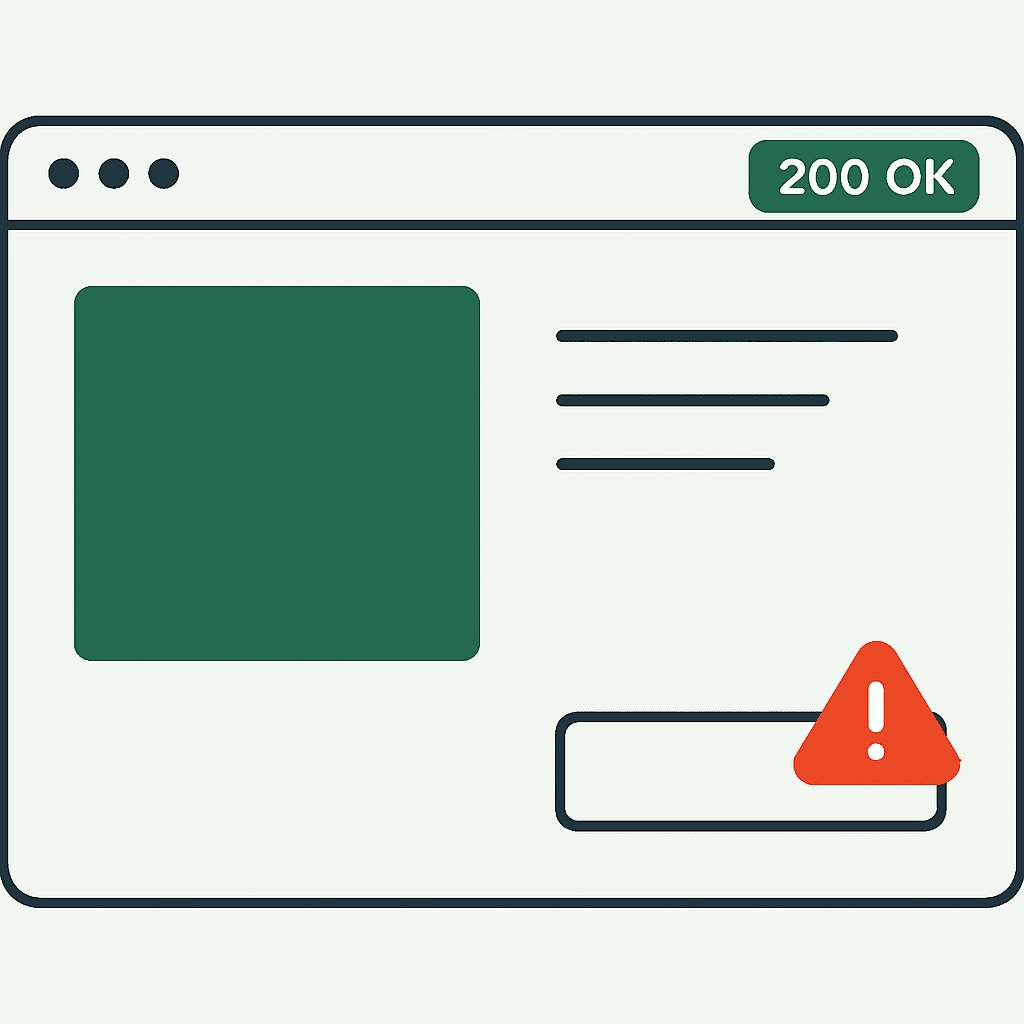
Your monitors are green. Revenue is not. The product page loads, but customers cannot add items to cart. That failure rarely trips a standard uptime alert. For ecommerce, the real health check is not HTTP 200. It is whether the buy box renders and works like a customer expects. This article shows how product pages fail after the server responds, why common checks miss it, and how to monitor rendered DOM, CTAs, product content, screenshots, and console evidence after deploys. It builds on a broader point we make in Your Store Can Be Up While Checkout Is Broken.
Why 200 OK Tells You Almost Nothing About Buyability
Uptime tools are good at catching DNS failures, server crashes, and dead endpoints. They are bad at catching frontend failures that happen after JavaScript runs. Modern storefronts depend on client rendering, hydration, third-party widgets, and app-injected scripts. Common failures include:
- Hydration crashes that stop the product form from mounting.
- App or theme code that removes or hides the add-to-cart button.
- Variant selector exceptions that stop the rest of the UI from rendering.
- Missing price or product image because a JSON payload failed.
- Third-party scripts that block or rewrite the DOM, such as A/B tests or personalization tools.
In every case, the server still returns 200 OK. The page still loads. The customer still cannot buy. Standard uptime checks miss it because they never inspect the final rendered page or the primary CTA. That is where silent revenue outages hide.
Production Failures That Break Buying While Returning 200
These failures show up in real stores. Add them to post-deploy checks and continuous monitoring.
-
Missing add-to-cart after an app update — A Shopify app rewrites the product form. An update introduced a race condition. If product JSON loaded slowly, the app swapped in a placeholder and never restored the form. Result: no button, no add-to-cart events.
-
Disabled CTA via CSS or JS — A theme change applied pointer-events: none or a disabled attribute at certain breakpoints. HTML and status code looked fine. The button did not work.
-
Variant selector crash — A React component threw on products with unusual variant names. The exception prevented the buy box and price from rendering.
-
Missing price after failed API fetch — A pricing service failed with a CORS error. The page still showed the title and images, but the price was blank or replaced with "Contact us," and add-to-cart logic refused to proceed.
-
Structured data removed — An SEO change removed product schema. Search snippets degraded. In some storefronts, missing price data also affected cart availability checks.
-
Form action broken by theme changes — A markup change renamed inputs or altered the POST target, which made add-to-cart submissions invalid.
-
Hydration bugs on headless builds — Server-rendered HTML appeared, but client hydration failed. Customers saw skeleton UI with dead buy controls.
-
Third-party script delays or DOM rewrites — A personalization script blocked the main thread or an A/B test rewrote the CTA before checkout logic bound to it.
All of these return 200. All of them cost sales.
Why Synthetic Checks Still Miss This
Most synthetic checks fall into two buckets: HTTP checks and scripted browser tests. HTTP checks validate status code, headers, and maybe a string in the response. They cannot see runtime failures or DOM state. Browser tests can catch more, but teams usually run narrow suites that:
- Open only the homepage or one clean product URL.
- Check page load and a headline, but not CTA state, price, or variant behavior.
- Run in staging or against too few SKUs, which misses weird variants and region-specific scripts.
- Skip screenshot and DOM capture, so triage is slow even when they fail.
Even solid end-to-end suites have gaps. They may not run after every deploy or every third-party app update. They can fail on harmless markup changes, or pass while real customers hit variant-specific breakage. You need continuous checks in production that inspect the rendered page customers see — the same discipline we describe in What to Check After Every Deploy.
What to Monitor on Product Pages
Monitor product pages the way a customer experiences them. Check these signals after deploys and on a schedule.
- Primary CTA
- Add-to-cart or pre-order button exists.
- It is visible and not hidden under overlays.
- It is enabled. No disabled attribute. No pointer-events block.
- Product content
- Price exists and matches an expected format.
- Product title and H1 are present.
- At least one product image is visible.
- Variant selector exists and responds.
- Interaction
- Add-to-cart click triggers the expected request and returns success or a useful error.
- Variant changes update price and availability.
- Structured data
- Product JSON-LD exists and includes price, availability, and SKU.
- Metadata
- Title, canonical, and robots tags match the product page type.
- Console and resource errors
- No uncaught exceptions. No failed critical requests for product data or pricing.
- Visual baseline
- Capture a screenshot and compare it with a baseline, or at least verify key elements are present.
- DOM evidence
- Save the rendered HTML or key selectors so you can diff regressions.
This checklist is short. It catches most silent storefront failures.
A Small Playwright Check That Catches Missing Buy Boxes
You do not need a huge end-to-end suite to start. A headless browser script that waits for the page to settle and inspects key selectors will catch many silent failures. Example using Playwright (Node.js) to validate a product page:
const { chromium } = require('playwright');

(async () => {
  const browser = await chromium.launch();
  const page = await browser.newPage();

  const consoleErrors = [];
  page.on('console', msg => {
    if (msg.type() === 'error') consoleErrors.push(msg.text());
  });

  await page.goto('https://store.example.com/products/my-product', { waitUntil: 'networkidle' });
  await page.waitForTimeout(1000);

  const addToCart = await page.$('button[data-add-to-cart], button.add-to-cart');
  const price = await page.$eval('.price', el => el.innerText).catch(() => null);

  if (!addToCart) {
    console.log('MISSING_ADD_TO_CART');
    await page.screenshot({ path: 'missing_add_to_cart.png' });
  } else {
    const disabled = await addToCart.getAttribute('disabled');
    if (disabled !== null) console.log('ADD_TO_CART_DISABLED');
  }

  if (!price) console.log('MISSING_PRICE');
  if (consoleErrors.length) console.log('CONSOLE_ERRORS', consoleErrors);

  await browser.close();
})();
This script waits for client rendering, inspects the rendered DOM, captures a screenshot when the CTA is missing, and records console errors. Run checks like this against production pages, representative SKUs, and real variant combinations. On Shopify, also check for the product form and variant inputs. On React, Vite, or Next.js storefronts, scan for hydration warnings and large server/client DOM differences.
Your site returns 200 OK — but is it actually working?
Guard is the monitoring technology that catches the silent failures other tools miss. KeyPages.ai is where you turn it on. Audit any URL free first — no signup, results in 30 seconds.
Run a free page auditHow Themes, Apps, and Third-Party Scripts Break Buy Flow
Most silent buy-flow failures come from changes near the storefront, not the origin server. Theme edits can remove classes or data attributes that add-to-cart scripts depend on. App installs and updates often inject JavaScript after DOMContentLoaded. One uncaught exception can stop the rest of the page from initializing. A/B testing and personalization tools rewrite DOM nodes and swap CTAs. If they run before checkout logic binds, selectors stop matching. Headless deployments can ship server HTML that does not match the client tree, which leaves controls inert after hydration fails. Slow payment or analytics scripts can block the main thread long enough to delay add-to-cart setup past your own timeouts.
Monitor the sequence that matters: server HTML, initial DOM, client-side execution, product-data requests, purchase-control mount, and final visible state.
A Post-Deploy Workflow for Catching Silent Revenue Loss
Add rendered checks to your deploy pipeline and your runbook. Use a simple workflow.
-
Pick representative products — Include one high-traffic SKU, one SKU with many variants, and one edge-case SKU with unusual variant names or stock behavior.
-
Run rendered checks after deploy — Launch headless browser checks for each SKU. Capture screenshots, rendered HTML, console logs, and network traces.
-
Validate the buy box — Confirm add-to-cart is present and enabled, price is present, images render, JSON-LD exists, and no critical console errors appear.
-
Diff against a baseline — Compare screenshots or DOM hashes with a known good version. Flag large changes.
-
Alert with evidence — Send the screenshot, HTML snippet, and error logs to on-call and the frontend or theme owner.
-
Roll back or hotfix — If buyability is broken, revert the app or theme change fast.
-
Prevent repeats — Add a targeted test for the exact failure pattern.
This workflow is small, cheap, and tied to revenue.
The Signals Worth Capturing
Capture artifacts that are cheap to collect and fast to debug.
Required signals:
- Screenshot — The fastest way to spot a missing button, stuck spinner, or broken layout.
- Rendered HTML or trimmed DOM — Shows whether the product form and CTA selectors exist.
- Console errors and stack traces — Points to the script that blew up.
- Network requests and responses for product JSON, pricing, and add-to-cart endpoints — Shows failed fetches and bad payloads.
- Page title, H1, and metadata — Confirms the monitor hit the right page and catches SEO regressions.
- Script list or resource manifest — Helps identify app scripts that changed.
Useful extras:
- DOM diffs and timestamped hashes for regression alerts.
- Screenshot comparison metrics such as SSIM or pixel diff to separate cosmetic shifts from functional breakage.
Keep these artifacts for at least a few deploy cycles so you can match failures to releases and app updates.
How to Triage a Rendered-Monitor Alert Fast
When a rendered check fails, speed matters. Start with the artifacts.
- Open the screenshot — It often reveals the failure immediately: missing button, frozen loader, or visible error.
- Read the console — Look for uncaught exceptions and third-party script names.
- Inspect the network trace — Check whether pricing or product APIs failed or returned malformed JSON.
- Diff the rendered HTML — Look for removed data attributes, renamed inputs, or missing form elements.
- Check recent changes — Review deploys, app updates, tag manager edits, and release notes around the failure time.
Common fixes are simple: revert a theme or app update, disable a broken third-party script, restore expected selectors or input names, or patch a hydration mismatch by deferring the offending script. Fast triage depends on having the evidence when the failure happens.
What to Do Next
If you only monitor server responses, you will miss revenue outages. Product pages can pass network checks and still block purchases. Start with four moves:
- Monitor rendered output, not just HTTP status. Capture screenshots and rendered HTML.
- Watch the buy box and product content: add-to-cart state, price, images, variant selectors, and JSON-LD.
- Run post-deploy checks against representative SKUs and variants.
- Capture console, network, and script evidence so triage takes minutes, not hours.
A small Playwright or Puppeteer script against a few production product pages will catch many silent failures. On Shopify, include checks for the product form and variant options. On headless React or Vite stacks, include hydration and console checks. On script-heavy sites, track which scripts changed.
Where tools like DataJelly Guard fit
Rendered monitoring fills the gap between basic uptime checks and full QA. Tools that capture screenshots, rendered HTML, console logs, and resource failures after deploys or on a schedule help detect silent revenue-page failures and give teams evidence to debug them quickly. DataJelly Guard for Commerce is one example. It monitors rendered product, cart, checkout-entry, pricing, and search pages and alerts when add-to-cart or product content breaks, with screenshot and DOM evidence for triage. You can also run the same checks on any live product URL with the free Guard page audit. Use it, or build similar checks yourself. The key is not the vendor. It is watching the rendered page customers actually use.
Stop trusting 200 OK. Check the rendered buy box after every deploy: add-to-cart present, price visible, variants working, screenshot captured, console clean.
Your site returns 200 OK — but is it actually working?
Guard is the monitoring technology that catches the silent failures other tools miss. KeyPages.ai is where you turn it on. Audit any URL free first — no signup, results in 30 seconds.
Run a free page audit