GSC Tells What Happened — Guard Tells What Broke Now
Compare lagging Google Search Console signals with active production checks. Learn how to catch blank pages, noindex mistakes, and broken metadata before SEO damage spreads.
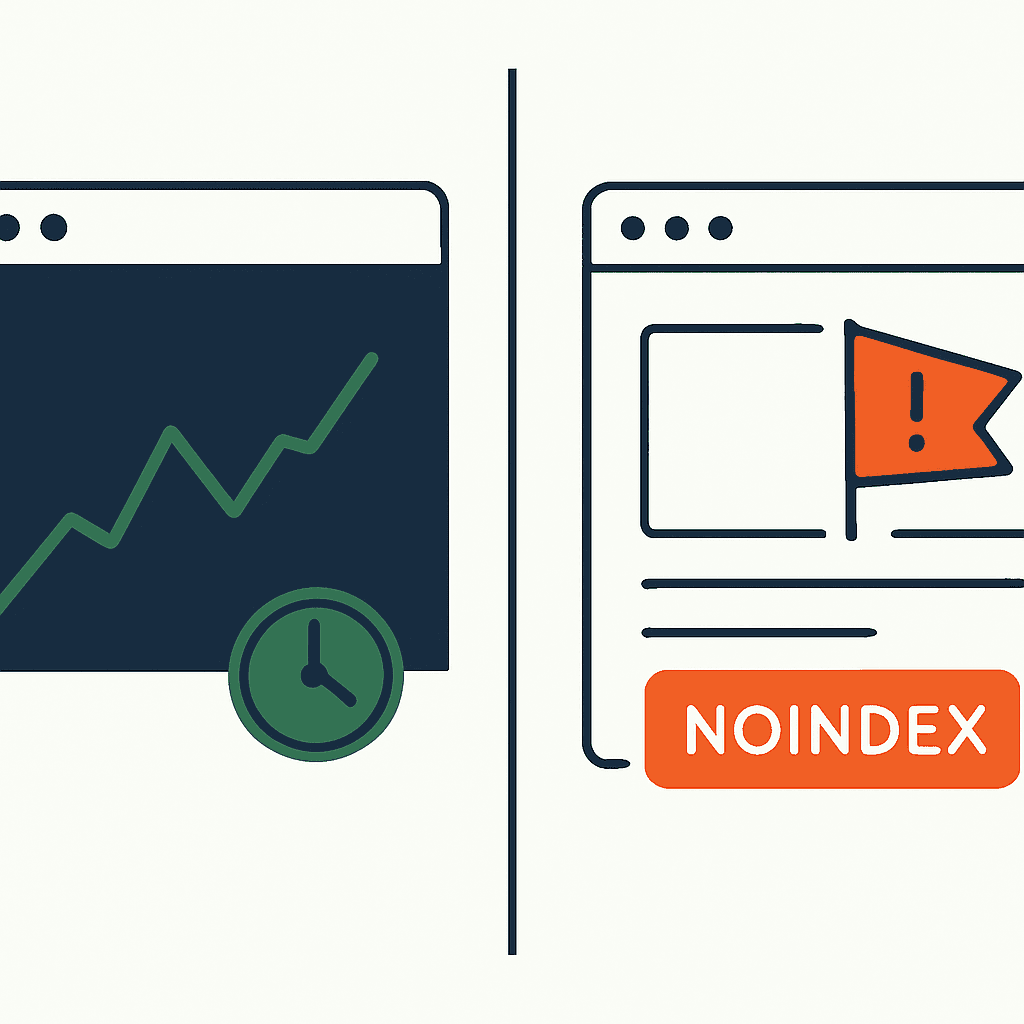
Google Search Console tells you the damage after the fact. Active page monitoring tells you what broke right now. They solve adjacent problems, not the same one. GSC runs on aggregated, delayed signals from Google's crawlers and search systems. It's built for hindsight: clicks, impressions, index coverage, query performance. Guard-style checks do the opposite. They catch blank pages, missing content, accidental noindex tags, and broken meta tags while the failure is live. One explains the crater. The other spots the landmine before more people step on it.
Why Google Search Console feels slow
GSC is slow because its data is downstream from crawling and search processing. Lag is baked in. Search Performance reports usually update every 2–3 days. Index Coverage can take days or a week to reflect a change. URL Inspection offers a live test, but only one URL at a time, with limits. GSC was built for aggregated insight, not real-time alerts.
Say you deploy at 02:00 and wipe out H1s on product pages. Impressions and clicks may not drop until 48–72 hours later. By then rankings, CTR, and indexed pages may already be taking hits. GSC will tell you what happened — impressions down 35%. It will not tell you which deploy killed the H1s. You still have to correlate logs, inspect pages, and do the detective work yourself. (Guard pairs directly with GSC so the two views line up instead of fighting each other.)
What active production checks catch that GSC misses
Production checks run against the actual output users and crawlers get. Run them on a schedule or fire them after deploys. They catch failures GSC won't surface until later.
- Blank pages: the page returns 200 but renders no useful content. Common when SSR fails or a JS bundle crashes. A simple check: assert body innerText length > N (for example, 300 chars).
- Missing content: product cards vanish, article bodies turn into placeholders. Assert expected selectors, such as
document.querySelectorAll('.product-card').length > 0. - Noindex / robots meta mistakes: a template change injects
<meta name="robots" content="noindex">across large sections of the site. Detect the exact string or parse the tag. - Broken metadata: title tags or meta descriptions go empty, or thousands of pages get the same values. Check title length between 30–70 characters and apply uniqueness heuristics.
- HTTP status anomalies: pages that should return 301/302 or 404 suddenly return 200. Check status codes and location headers.
- Structured data failures: product or recipe JSON-LD disappears. Validate presence and lint the schema.
These checks are deterministic. They can alert within minutes of a bad deploy. They tell you what broke, where it broke, and often include the failing HTML or assertion. Example: 1,024 product pages started returning <meta name="robots" content="noindex"> after a template change at 03:12. DataJelly Guard runs exactly this class of check on every deploy and in production.
Concrete checks and examples
Build these into CI or a production monitoring service.
1) Blank page detection (headless browser)
- Load the page with Puppeteer or Playwright.
- Measure innerText length. Alert if < 250 chars.
- Capture a screenshot and HTML snippet.
const page = await browser.newPage();
await page.goto(url, { waitUntil: 'domcontentloaded' });
const text = await page.evaluate(() => document.body.innerText || '');
if (text.length < 250) {
  throw new Error('Suspected blank page');
}
2) Noindex meta check (fast, stateless)
- Fetch HTML via HTTP GET.
- Search for
<meta name="robots" content="noindex">or theX-Robots-Tagheader.
# Check the response header
curl -sI https://example.com/product/123 | grep -i "x-robots-tag"

# Check the rendered meta tag
curl -s https://example.com/product/123 | grep -i '<meta name="robots"'
3) Title and description sanity
- Parse
<title>and<meta name="description">. - Assert title length 30–70, description > 50.
- Alert if titles become identical across too many pages. If 80% match, something is wrong.
4) Expected DOM elements
- Assert presence of
.product-title,.price,.breadcrumb. - Fail fast if an element count drops by > 90% from baseline.
5) HTTP status matrix
- Keep a list of URL patterns and expected statuses.
- Check that product pages return 200 and old URLs 301 to new slugs.
- Alert on unexpected 200s for deleted pages.
These checks produce evidence you can act on. Roll back the deploy. Patch the template. Move. They're also cheap. A headless check takes milliseconds to seconds per URL. Lightweight HTTP checks take microseconds on the server side when parallelized. (Browse the full Guard test catalog to see every check mapped to its failure mode and fix.)
Your site returns 200 OK — but is it actually working?
Guard is the monitoring technology that catches the silent failures other tools miss. KeyPages.ai is where you turn it on. Audit any URL free first — no signup, results in 30 seconds.
Run a free page auditHow GSC and Guard-style monitoring complement each other
Use both. They answer different questions.
- GSC: "What happened to traffic and visibility?" It shows trends, queries, and indexing problems over time. It quantifies impact: impressions down 40%, rankings lost for "wireless earbuds."
- Guard-style checks: "What broke right now?" They point to the cause in HTML, headers, or DOM. They tell you which pages have noindex, which pages are blank, and which deploy caused it.
Example: a monitoring alert fires at 03:15. It says 1,900 product pages now include a robots meta noindex. You roll back at 03:30. GSC won't reflect the hit until roughly 48 hours after the deploy. If you rely on GSC alone, you respond days late. Combined, Guard stops the bleeding. GSC measures the business impact and confirms recovery after reindexing.
Correlate the systems. Put deploy ID and Git SHA in the alert. Include a sample URL and an HTML snapshot. Then watch GSC for recovery. After fixing a noindex mistake, important pages may reindex in 24–72 hours. Low-priority pages can take longer. If you wait for GSC first, you're choosing to eat that damage.
Operational tips: thresholds, sampling, and costs
Build monitoring that scales. Don't aim a headless browser at millions of pages every minute unless you enjoy wasting money.
- Baseline samples: check a representative sample, say 1,000 product pages, after each deploy. If that sample fails, expand coverage.
- Canary checks: hit high-value URLs on every run. Those pages drive revenue and indexing.
- Change detection: track selector counts in the DOM. Alert when counts move by > X% — for example, 50% for warning, 90% for critical.
- Rate-limit detail collection: once an alert fires, capture extra pages and artifacts for diagnosis. Keep routine runs lean.
- Store snapshots: keep HTML and screenshots for the last N alerts. Triage gets faster when you can see the failure instead of guessing.
Cost matters. A headless check might take 300–800 ms and 50–150 MB of memory per page. Parallelize and run on short queues. Lightweight HTTP checks take a few ms and can scale to thousands of URLs per minute on modest infrastructure. Use caching and conditional GETs to avoid hammering the origin.
When to trust GSC vs. Guard checks in incident response
If GSC shows a sudden 40% drop in impressions over 48 hours, treat it as a symptom. Start with Guard-style checks and inspect the current state of pages. Look for noindex tags, robots.txt changes, status-code drift, or broken templates. If Guard checks are green, shift your attention to ranking shifts, crawl changes, or algorithm updates. (Here's how to test what Google actually sees, step by step.)
If Guard checks find the failure, fix it and roll back fast. Then watch both systems: production checks for immediate validation, GSC for lagging confirmation. Expect GSC to confirm recovery in 1–7 days, depending on crawl frequency.
Real incident: a team shipped a new header component that zeroed out the title for six hours. Guard-style checks fired within 10 minutes because the headless check saw title length 0. The team rolled back. GSC later showed the impression drop, then the recovery after Google re-crawled the fixed pages 72 hours later.
Conclusion
GSC and production page monitoring answer different operational questions. GSC is essential for long-term SEO insight. It tells you how Google saw the site and how traffic moved. But it's slow. Guard-style checks inspect the HTML users and crawlers get now. They catch silent regressions — blank pages, accidental noindex tags, missing metadata — before GSC reports the fallout.
Use both. Run lightweight, frequent checks on critical pages. Run broader samples after change. Capture artifacts so the team can triage instead of speculate. Fix the failure fast, then let GSC confirm recovery.
A few checks go a long way: content length, key selectors, meta robots, title sanity, description sanity. Small effort. Shorter incident windows. Less lost traffic. (They all live on the same post-deploy production checklist you can run on every release.)
DataJelly Guard runs active, page-level checks at deploy time and in production. It shows the exact URLs, failed assertions, and HTML snippets so teams can fix the cause before GSC reports the damage. Run deterministic checks on your top pages after every deploy — audit any URL for free, catch the failure in minutes, fix it fast, then let GSC confirm the recovery.
Your site returns 200 OK — but is it actually working?
Guard is the monitoring technology that catches the silent failures other tools miss. KeyPages.ai is where you turn it on. Audit any URL free first — no signup, results in 30 seconds.
Run a free page audit