The Noindex Mistake That Can Quietly Kill Ecommerce Revenue
How accidental noindex, bad canonicals, missing schema, or sitemap regressions after deploy can crush product discovery — and the checks that catch them fast.
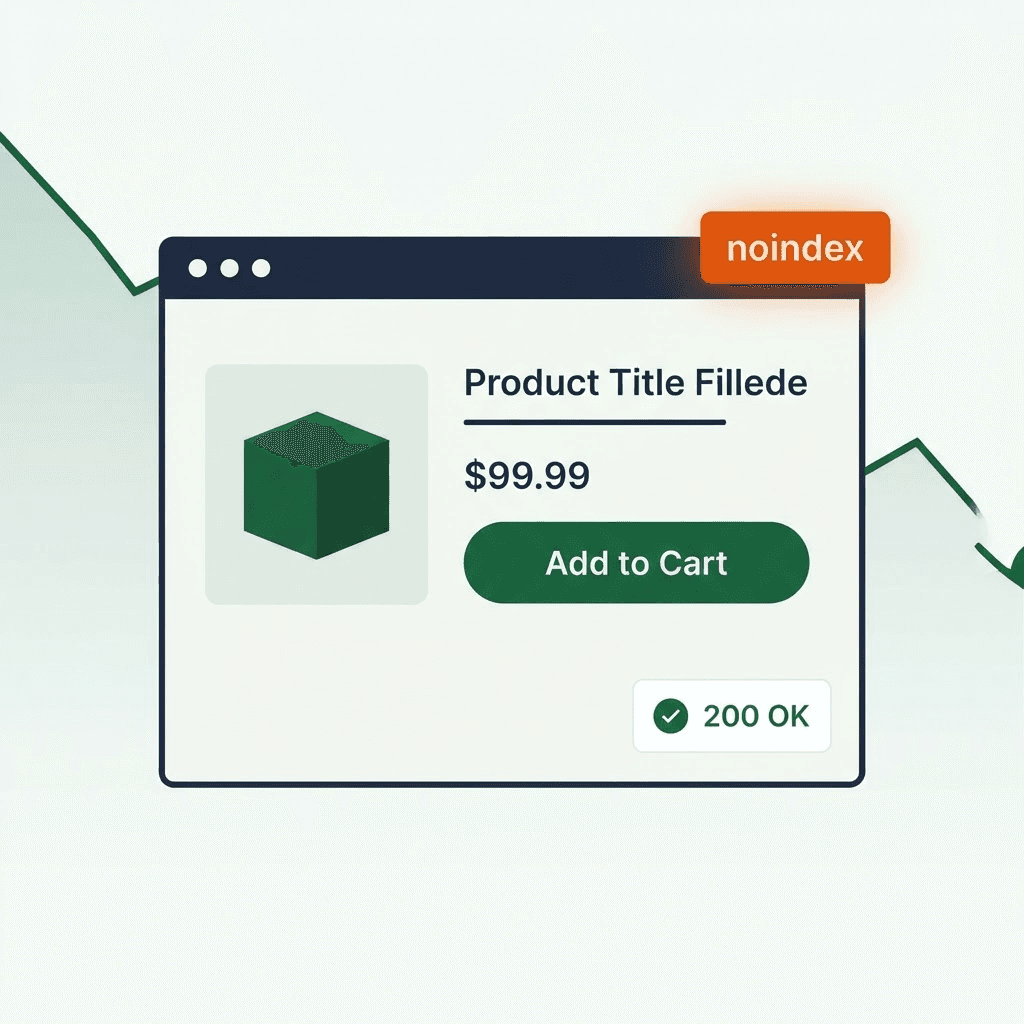
Your store can lose revenue while every uptime check says 200 OK. The site loads. The cart works. But search visibility breaks.
Common causes: product or category pages ship with noindex, canonicals point to the wrong domain, product schema disappears, Open Graph tags break, or a sitemap drops revenue pages after a deploy.
These failures rarely stop branded shoppers. They stop new shoppers from finding you in search and social. That cuts discovery, traffic, and revenue. This article shows how these failures ship, what they cost, and how to monitor for them.
How deploys ship search visibility regressions
Most visibility regressions come from a short list of operational changes:
- Theme or template change. A new theme or asset merge removes a robots tag or schema snippet. JSON-LD that used to render server-side moves to client-side JS and vanishes for crawlers.
- CMS field mapping change. A field rename or content-type update blanks SEO fields. A staging noindex flag leaks into production.
- Build or CI misconfiguration. A build script swaps environment variables. A noindex condition meant for non-prod misfires in production.
- Staging config leak. Robots rules, canonicals, or sitemaps used to block staging get pushed live during a deploy or rollback.
- Redirect, CDN, or domain change. Canonicals point at the old domain. Redirect chains muddy indexing signals.
- Sitemap generation failure. A generator crashes, hits an API limit, or trips a file size limit and drops high-value URLs.
These are operational failures, not just SEO mistakes. They stay quiet because the page still renders and still returns 200 OK.
Five failure patterns that cut revenue
Here are five common failures and what they do to revenue.
- Product page ships with
<meta name="robots" content="noindex">after a theme change
- What happened: A theme team added a meta tag for preview mode. The condition used
NODE_ENVand misfired on some production instances. - Effect: Search engines stop indexing the page or drop it later. Impressions and clicks slide toward zero. Long-tail discovery dies. New customer acquisition stalls for those SKUs. This is the same failure mode covered in how a small noindex tag removes SEO traffic.
- Collection page canonical points to the wrong domain after a config change
- What happened: Canonical generation used a base URL from environment variables. A bad
BASE_URLpointed canonicals tostaging.example.comor an old brand domain. - Effect: Search consolidates signals to the wrong domain or treats the page as a duplicate. Rankings for the collection collapse. Revenue from category queries falls. See canonical tag mistakes that quietly steal traffic for the full pattern.
- Product schema disappears after a frontend refactor
- What happened: JSON-LD moved from server-rendered templates into a client-side React effect that ran after hydration. Some crawlers and rich result parsers missed it.
- Effect: Rich snippets like price, availability, and ratings disappear. CTR drops even when rankings hold steady.
- Sitemap drops key URLs after a generator crash during deploy
- What happened: The generator hit an API rate limit or memory error. It finished, but left out deep product pages or entire categories.
- Effect: New or updated product pages never reach search engines quickly. Indexing lags for weeks. Seasonal launches miss their window.
- Promo or pricing page loses CTA and Open Graph tags after a CMS field rename
- What happened: An A/B test or CMS upgrade renamed CTA text and OG fields. The page still rendered, but title and description fields came back empty.
- Effect: Social previews look broken. Paid and social campaign performance drops. Landing page conversion falls because the page looks untrustworthy or the CTA breaks.
Why uptime misses this class of failure
Uptime monitors check whether the server responds. They do not check what search engines, social bots, or ad crawlers see.
Three gaps matter:
- HTTP 200 vs page quality. A page can return 200 and still carry noindex, a bad canonical, or no schema.
- Server-rendered vs client-rendered metadata. Client-side tags may never reach crawlers or social bots.
- Fragile indexing inputs. Sitemaps, canonicals, robots tags, and structured data all feed indexing. Break one and visibility drops without an outage.
That is why you need a different monitoring layer: one that checks the rendered page and captures evidence you can act on.
What to monitor on revenue pages
Monitor these signals on product pages, collection pages, pricing pages, and promo landing pages:
- HTTP status and final URL. Catch redirects to the homepage, unrelated paths, or the wrong domain.
- Robots directives. Check meta robots and
X-Robots-Tagheaders for noindex, nofollow, and bad variants. - Canonical tag. Verify the canonical host and path match the expected URL.
- Sitemap coverage. Confirm that new and updated URLs land in the sitemap.
- Structured data. Verify JSON-LD exists and includes key fields:
@type,name,price,priceCurrency,availability,sku,aggregateRating. - Title and H1. Catch empty titles, duplicated titles, and template defaults.
- Open Graph and Twitter Card metadata. Detect missing
og:title,og:description, andog:image. - Visible CTA and key DOM elements. Check for add-to-cart buttons, price blocks, and CTA text.
- Rendered HTML and DOM snapshot. Save the fully rendered page to inspect client-side changes and JS failures.
- Console and resource errors. A script error can stop metadata injection.
Treat these as separate checks. That cuts detection time and makes root cause analysis easier.
Your site returns 200 OK — but is it actually working?
Guard is the monitoring technology that catches the silent failures other tools miss. KeyPages.ai is where you turn it on. Audit any URL free first — no signup, results in 30 seconds.
Run a free page auditChecks you can run today
You do not need a big platform to catch the basics. Start with these checks in CI or a small monitoring job.
- Quick curl check for robots and canonical
curl -I https://www.example.com/product/sku123
Check X-Robots-Tag headers. Then inspect the HTML for <meta name="robots"> and <link rel="canonical">. Alert if noindex appears or the canonical host differs from your production domain.
- Headless browser check for rendered schema
Use Playwright or Puppeteer. Load the page, wait for network idle, then query for script[type="application/ld+json"] and parse the JSON-LD. Example:
const jsonLd = await page.$$eval('script[type="application/ld+json"]', els => els.map(e => e.textContent));
const containsProduct = jsonLd.some(j => j.includes('"@type":"Product"'));
Alert if containsProduct is false on product pages.
- Sitemap coverage test
Fetch the sitemap index and verify that a sample of SKUs or recently published pages appears. If you publish a product feed, compare the feed to the sitemap. Missing items should trigger an alert.
- OG preview check
Fetch the HTML and extract og:title and og:description. If they are empty or identical to a site-wide default, flag the page.
These checks catch many failure modes before they cost you weeks of traffic.
Monitoring checklist for revenue-critical page types
Run this checklist for each page type: product, collection, pricing, and promo. For fast-moving shops, run it on every deploy. Otherwise run it nightly.
- Page identity and availability
- HTTP status is 200 and the final URL matches the expected path
- No redirect to unrelated domains or the homepage
- Visibility metadata
- No
X-Robots-Tag: noindexin headers <meta name="robots">does not contain noindex or nofollow<link rel="canonical">points to the correct host and path
- Structured data
- JSON-LD exists for Product or BreadcrumbList where needed
- For Product: name, price, priceCurrency, availability, sku
- For Collection: BreadcrumbList, itemListElement
- Titles and headings
<title>and<h1>exist and are not defaults- Titles vary across SKUs or collections
- Social metadata and CTA
og:title,og:description, andog:imageexist and are not empty- Visible CTA such as add-to-cart, buy-now, or signup exists and is enabled
- Sitemap and index signals
- Page appears in the sitemap within the expected freshness window
- Sitemap lastmod matches the recent publish date when relevant
- Client-side health
- No fatal console errors
- Client-rendered sections such as variants and price load correctly
- Evidence capture
- Save a screenshot and rendered HTML snapshot for alerts
- Log the exact metadata values that triggered the alert
Automate these checks and route alerts to on-call. Start with product pages and checkout-entry pages. Then cover promo and category pages.
What to do when you find a regression
Detection matters. Fast cleanup matters more.
- Triage with evidence
- Grab the rendered HTML, screenshot, and response headers right away
- Use that evidence to decide whether the failure is server-side, client-side, or config-driven
- Scope the blast radius and decide on rollback
- Check whether the failure affects one template, one page type, or the whole site
- If a global template or config caused it, rollback may be faster than patching live
- Fix the source
- If a noindex came from a bad condition, fix the condition or environment variable and redeploy
- If the canonical base URL is wrong, fix config and redeploy
- If schema moved to client-side, move critical JSON-LD back to server-rendered output or prerender it reliably
- Reindex and validate
- Request reindexing in Google Search Console for representative URLs
- Watch impressions and clicks over the next 1–4 weeks and confirm crawl activity recovers
- Add protections
- Add CI checks for empty SEO fields, missing schema, wrong canonical hosts, and noindex tags in production bundles
- Add alerts for sitemap size, URL count, and growth regressions
- Communicate impact
- Notify stakeholders and paid campaign owners about likely traffic loss during the regression window
- Share the timeline, estimated impact, and fix
The fastest triage loop starts with evidence. A browser-rendered snapshot is often the clearest proof of what broke.
Guardrails that reduce visibility mistakes
Bake these defenses into your delivery process:
- Add CI tests for SEO-critical fields. Fail the build if product titles or meta descriptions are empty.
- Run a headless browser smoke test on every deploy against a small set of page types. Check robots tags, canonicals, JSON-LD, and CTA presence.
- Validate that the sitemap includes a sample of recently created SKUs and stays within expected size and URL count limits.
- Roll out global SEO changes behind feature flags and monitor each toggle.
- Keep staging robots rules separate, and block staging flags from leaking into production through environment config.
- Save rendered snapshots and metadata diffs so you can see exactly what changed between commits.
These guardrails will not replace QA. They will catch silent revenue-page failures faster and shrink the blast radius.
Silent visibility failures deserve production monitoring
Visibility failures do not look like outages. They erode discovery first, then revenue.
The stack details matter: server-rendered metadata, clean environment config, accurate sitemaps, correct canonicals, and schema that survives deploys.
If you want browser-rendered evidence from production pages, DataJelly Guard can capture screenshots, rendered HTML, title, H1, canonical, robots metadata, console errors, and page-specific signals on revenue pages. It helps detect silent failures and supports monitoring and CI — see every production check Guard runs. It does not replace QA.
After your next deploy, run rendered checks on a few product, collection, and checkout-entry pages. Capture a screenshot, rendered HTML, robots tags, canonical, schema, and CTA state so you can see what bots and shoppers actually got.
Your site returns 200 OK — but is it actually working?
Guard is the monitoring technology that catches the silent failures other tools miss. KeyPages.ai is where you turn it on. Audit any URL free first — no signup, results in 30 seconds.
Run a free page audit