SEO Features Are Not Production Monitoring
SSR, prerendering, and structured data help discovery. They do not prove your live pages survived deploy. Here is how production checks catch the failures that quietly kill search traffic.
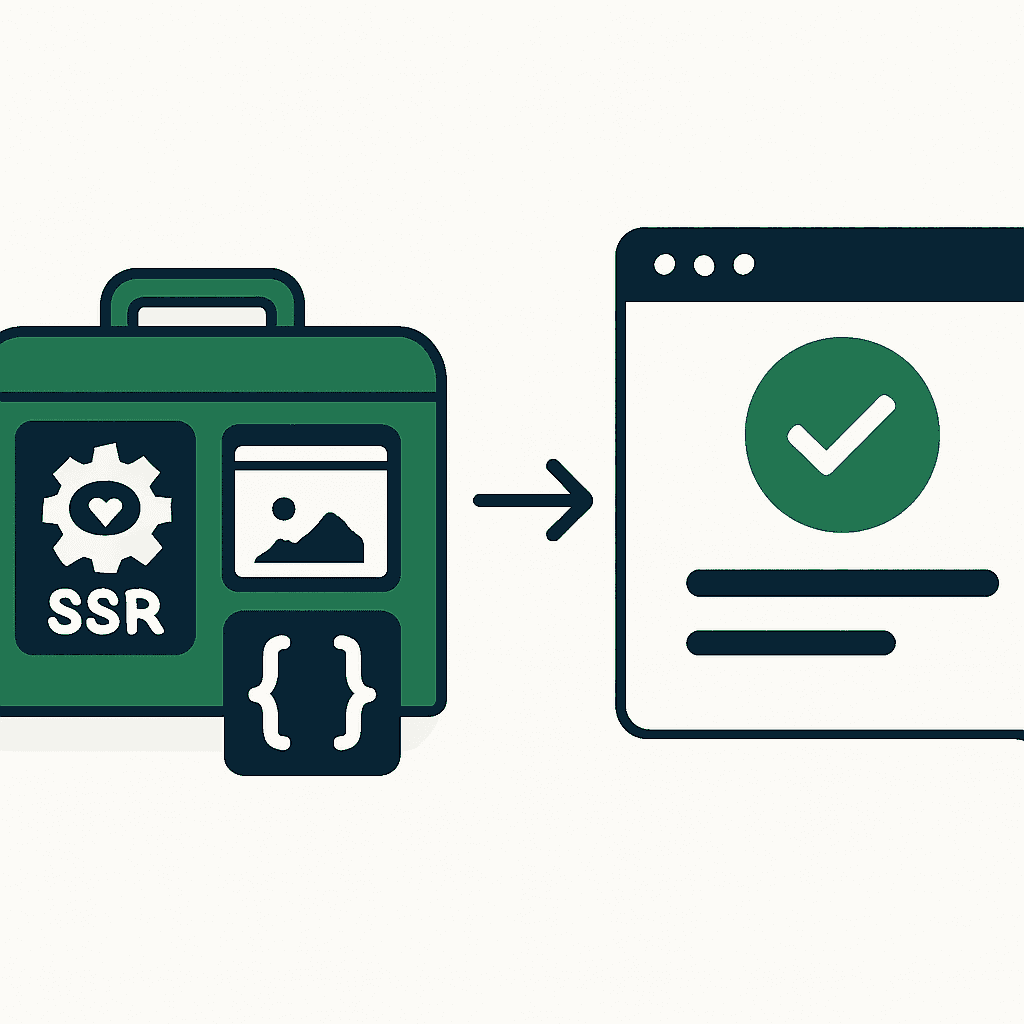
Modern JavaScript frameworks ship plenty of SEO sugar. SSR, prerendering, meta helpers, and schema generators make pages easier to index. AI tools crank out Markdown, titles, and descriptions. Useful? Yes. Reliable in production? No. None of that tells you when a deploy breaks the homepage, removes your H1, swaps the canonical, flips on noindex, or renders an empty body. That blind spot is expensive. Search engines and users both punish broken output fast. You need production checks, not just developer-time SEO tooling.
Why built-in SEO features give false confidence
Teams treat SSR, prerendering, and schema generation like guarantees. CI passes. Lighthouse looks clean on localhost. Production does not care. Common failures:
- Bad routing or rewrites make the homepage return a 404 shell.
- A template refactor removes or renames the H1.
- A framework update changes meta tag merging and swaps canonicals.
- A CI step ships placeholder Markdown like "TODO" to production.
Build-time tests miss all of this unless you write checks for it.
Example: a Next.js upgrade changes legacy getInitialProps behavior. The server-rendered output now drops critical meta tags on some routes. A developer tests a few pages locally and sees nothing wrong. In production, a subset of routes behind a legacy CDN edge serves stale or broken HTML. Bots crawl it. The index gets polluted. That mess can stick around for weeks. That is what missing production checks costs.
What you actually need to monitor in production
Monitor the HTML surface that bots and users actually see. Start with these checks:
- HTTP status codes and redirects. Canonical URLs should return 200, not 404 or 500.
- H1 presence and content. A missing H1 often means the template broke.
- Meta robots tag and X-Robots-Tag header. Catch accidental noindex or nofollow.
- Canonical link tag. Catch duplicates, slash mismatches, and domain swaps.
- Structured data JSON-LD. Validate required fields and schema type with a lightweight parser.
- Page snapshot length and visible text. A blank body or a "loading..." placeholder is a red flag.
- Critical assets and inline CSS. If the CDN serves CSS with a 500, the page can still look broken even when the HTML is fine.
Use hard thresholds. Scan your top 100 pages daily. Flag any page where the H1 changes by more than 50% token difference. Flag any page where the canonical changes domain or path. Flag any page with status != 200. Those checks catch most regressions without turning your alerts into wallpaper.
Simple synthetic checks you can run now (code samples)
Add lightweight synthetic checks with headless browsers or plain HTTP fetches. Use Puppeteer to render the page and assert against the output. Example script (Node.js + puppeteer):
const puppeteer = require('puppeteer');

(async () => {
  const url = process.argv[2];
  const browser = await puppeteer.launch({ args: ['--no-sandbox'] });
  const page = await browser.newPage();
  await page.goto(url, { waitUntil: 'networkidle2', timeout: 30000 });

  const status = await page.evaluate(() => document.readyState);
  const h1 = await page.$eval('h1', el => el.innerText).catch(() => null);
  const canonical = await page.$eval("link[rel='canonical']", el => el.href).catch(() => null);
  const robots = await page.$eval("meta[name='robots']", el => el.content).catch(() => null);
  const bodyText = await page.evaluate(() => document.body.innerText.trim().slice(0, 200));

  console.log({ h1, canonical, robots, bodyText });
  await browser.close();
})();
This script gives you five useful signals. Run it against production pages in CI or from an external monitor. Alert when h1 is null, canonical is missing or points off-domain, robots contains "noindex", or bodyText is empty or too short (<100 chars).
Validating structured data and metadata
Structured data failures do not always look broken. They still wreck rich results and indexing. Validate JSON-LD fast: parse script[type="application/ld+json"], run JSON.parse, and check required keys like @context and @type. On product pages, validate price and availability. On article pages, validate headline and datePublished.
Example check (pseudo-code):
- fetch HTML
- extract first
script[type=application/ld+json] - try
JSON.parse - require keys:
@context,@type - if
@type === 'Article', requireheadlineanddatePublished
If any check fails, raise a warning. Catch common failures: server-side interpolation leaving "{{price}}" in JSON-LD, or site-wide templates reusing the same @id across multiple pages.
Your site returns 200 OK — but is it actually working?
Guard is the monitoring technology that catches the silent failures other tools miss. KeyPages.ai is where you turn it on. Audit any URL free first — no signup, results in 30 seconds.
Run a free page auditMonitoring visual and content regressions
HTML checks are necessary. They are not enough. Visual and content checks catch different failures. Run visual diffs on key pages. Render the page headlessly, capture a full-page screenshot, and compare hashes or compute a perceptual diff with SSIM. If the homepage SSIM drops by more than 5% from baseline, look at it.
Also run semantic diffs. Compare the normalized H1, title, canonical, meta description, and top paragraph. Normalize by lowercasing, stripping punctuation, and collapsing whitespace. Then compute Levenshtein distance or token overlap. Alert on large changes.
Real example: a deploy replaced hero copy with a promo placeholder, "Coming soon." The visual diff barely moved. The semantic check caught the H1 change from "Buy Widgets" to "Coming Soon" and triggered a rollback. That saved the team from two weeks of lost search traffic.
Handling flaky builds, CDN edge differences, and bot vs user views
Deploys do not fail evenly. A staging build on one server tells you almost nothing about a multi-region CDN with edge functions. Common traps:
- An edge function adds a header that changes SSR logic.
- Cache misconfiguration serves stale HTML in some regions.
- Bot user agents get different HTML because the server tries to be clever.
Test from multiple locations and with multiple user agents. Run checks from the US, EU, and APAC. Test as Googlebot, Bingbot, and a common desktop browser. Compare headers, content, and status codes. Add a recurring check with a Googlebot user agent and verify that it matches your canonical version. If Googlebot sees a different page, you are inviting indexing problems and possibly worse. (Here is how to test what Google actually sees, step by step.)
Why this matters for your traffic
Search engines treat broken HTML as a signal. Empty bodies, missing canonicals, and stray noindex tags reduce crawl frequency and can deindex pages. Users react too: bounce rates spike on broken pages. Both effects compound. A small percentage of broken pages over a month can cost double-digit traffic and revenue impact.
Production checks are cheap relative to lost traffic. A small fleet of headless browsers running against your top 100 pages costs less than one missed week of organic traffic on a typical mid-size site. Build the pipeline, alert on hard thresholds, and rotate the audit list to keep coverage current.
A short checklist to start today
- List your top 100 URLs by traffic and revenue.
- Build a daily synthetic that fetches each URL with a real user agent and a Googlebot agent.
- Assert: status 200, H1 present, canonical valid, robots not noindex, body length above a threshold.
- Run JSON-LD parse and required-key checks for any page that uses structured data.
- Run a visual hash diff weekly on top 10 pages.
- Alert on anything that fails.
That gives you a measurable signal across HTML, metadata, and visual regressions. It catches the failures SSR and prerendering cannot guarantee.
Want production-grade checks without building it yourself?
DataJelly Guard runs these checks across your site automatically — render integrity, canonical, robots, structured data, social previews, and AI extractability — with hard thresholds, change diffs, and alerts when something silently breaks in production. SEO features get you discovered. Guard makes sure what you ship is actually what gets indexed. Explore the Guard dashboard, browse the full test catalog, or audit a page for free.
Your site returns 200 OK — but is it actually working?
Guard is the monitoring technology that catches the silent failures other tools miss. KeyPages.ai is where you turn it on. Audit any URL free first — no signup, results in 30 seconds.
Run a free page audit